Help Center
Guides, tutorials, integrations and product documentation.
DialNext Zoho CRM Integration: Setup Guide
The DialNext Zoho CRM integration helps businesses manage customer communication by connecting call and SMS activity with Zoho CRM contact records. Incoming and...
Read more →
DialNext GoHighLevel Integration: Setup Guide
The DialNext GoHighLevel integration helps businesses connect their communication workflows with customer relationship management. DialNext offers business call...
Read more →
Missed Calls to Sales: How Businesses Can Automate Lead Follow-Up
A missed call can be more than a missed conversation. For a business, it can mean a potential customer leaves before anyone gets the chance to help. A prospect ...
Read more →
What Is Bulk SMS? How It Works and How Businesses Use It
Bulk SMS helps businesses send text messages to many customers at once. It can be used for promotions, reminders, updates, alerts, and sales follow-ups. Instead...
Read more →
DialNext Help Scout Integration: How to Connect Help Scout with DialNext
Connect Help Scout with DialNext to keep your customer communication workflow connected. The DialNext Help Scout integration lets you connect your Help Scout ac...
Read more →
Call Tracking for Sales Teams: How to Measure and Improve Outbound Calling Performance
Sales teams make many outbound calls every day. But call volume alone does not show whether those calls help move leads forward. Without clear data, it can be h...
Read more →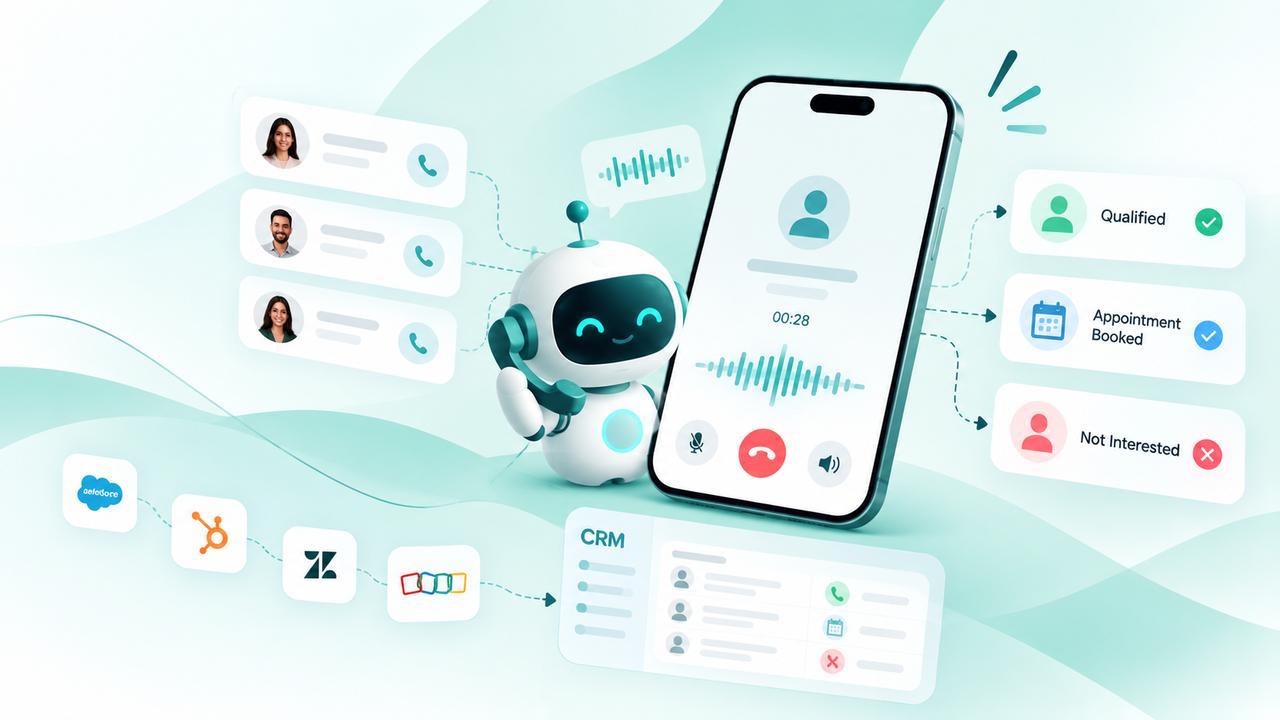
AI Outbound Calling: How Businesses Can Automate Sales Calls
Businesses spend a significant amount of time making outbound calls for sales, lead follow-ups, appointment confirmations, and customer notifications. Many of t...
Read more →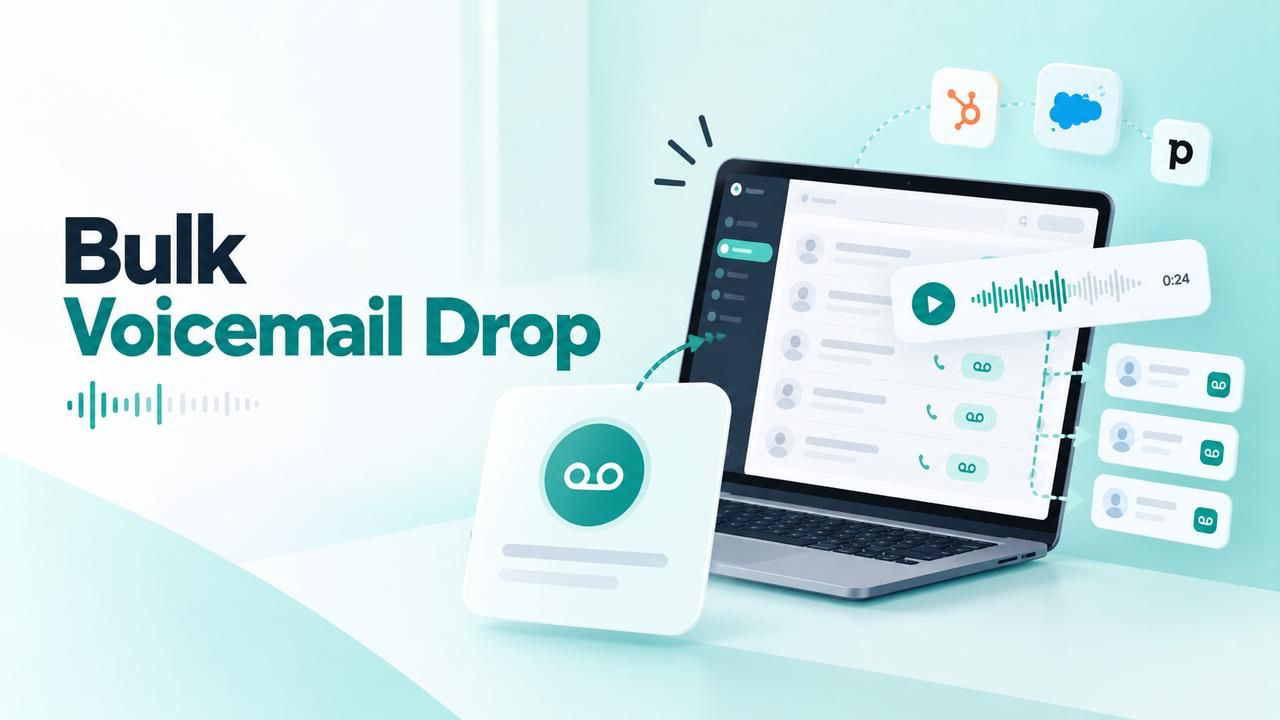
What Is Bulk Voicemail Drop? How It Works and How Businesses Use It
Introduction Bulk voicemail drop is a way for businesses to deliver pre-recorded voicemail messages to multiple contacts as part of an outbound communication ca...
Read more →
What Is Local Presence? How It Works and Why It Matters for Business Calls
When businesses make outbound calls, the phone number displayed to the recipient can influence how familiar the call feels. Local presence is a calling approach...
Read more →
What Is a CRM Dialer and How Does It Work?
A CRM dialer helps sales and customer support teams make calls directly from their customer relationship management (CRM) workflow. Instead of manually copying ...
Read more →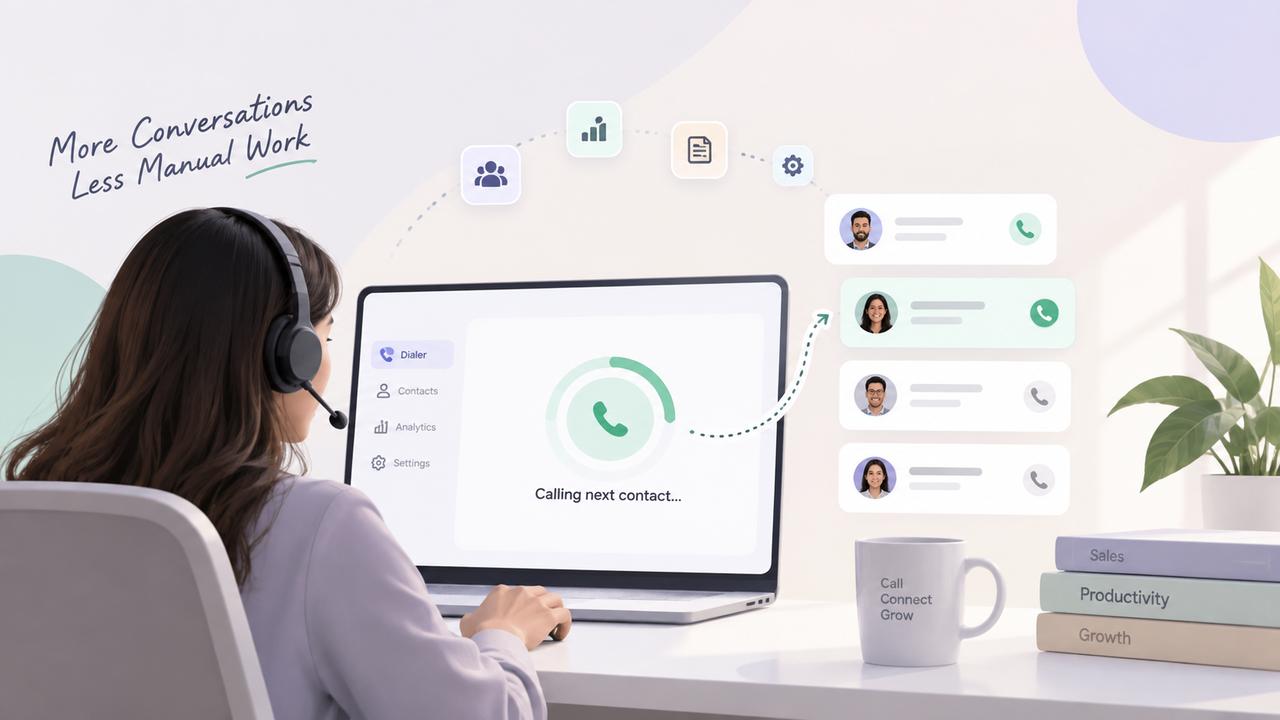
What Is a Power Dialer and How Does It Work?
A Power Dialer can help sales teams save time on outbound calls by reducing repetitive tasks such as finding contacts, dialing phone numbers, waiting for call r...
Read more →
DialNext Intercom Integration: How to Connect Intercom with DialNext?
DialNext Intercom integration lets you connect your DialNext account with Intercom and manage your customer communication from one place. Follow the steps below...
Read more →
Group Texting: Keep Everyone in the Same Conversation
Group texting makes it easier to keep everyone updated without managing multiple 1:1 text threads. With DialNext Group Texting, your business can bring multiple...
Read more →
The Hidden Cost of Switching Between Calling and CRM: How to Build a Zero-Context-Switching Workflow
When a customer calls your business, your team needs more than a phone connection. They need the right customer information, conversation history, call details,...
Read more →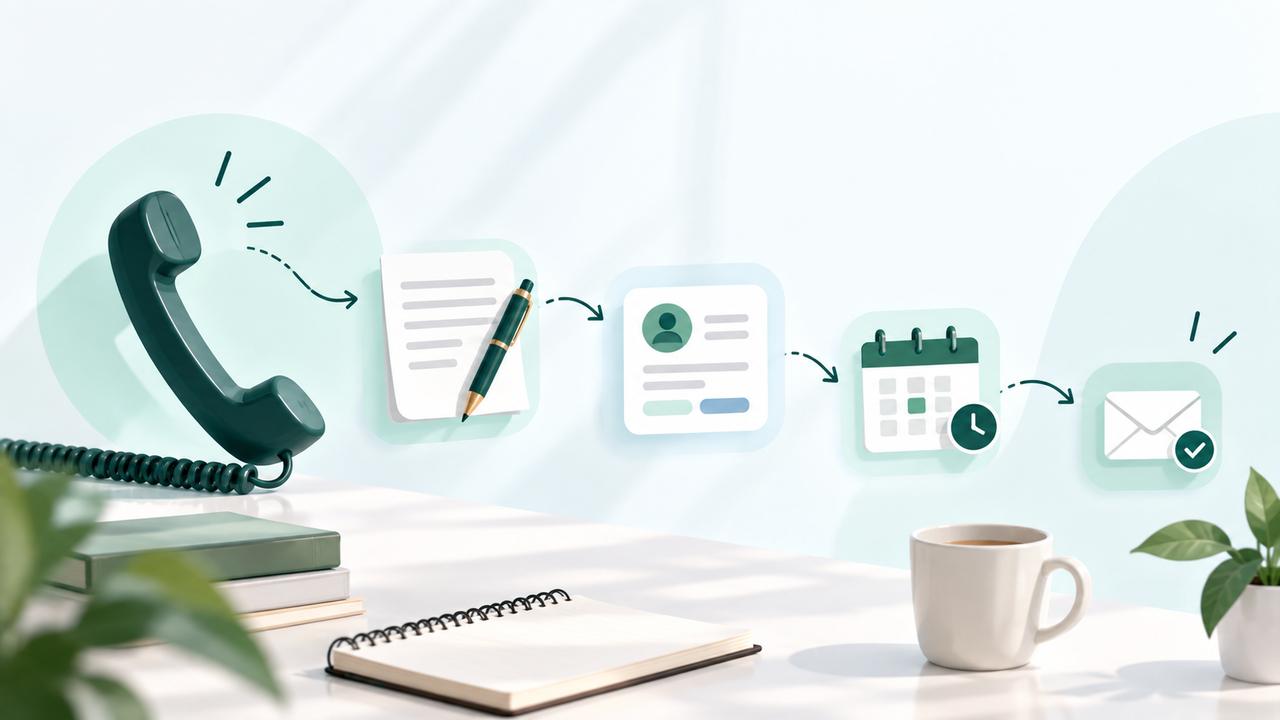
What Happens After a Business Call? How to Build a Better Post-Call Workflow
A business call does not end when the conversation is over. Capturing important details, updating customer records, planning follow-ups, and keeping the team in...
Read more →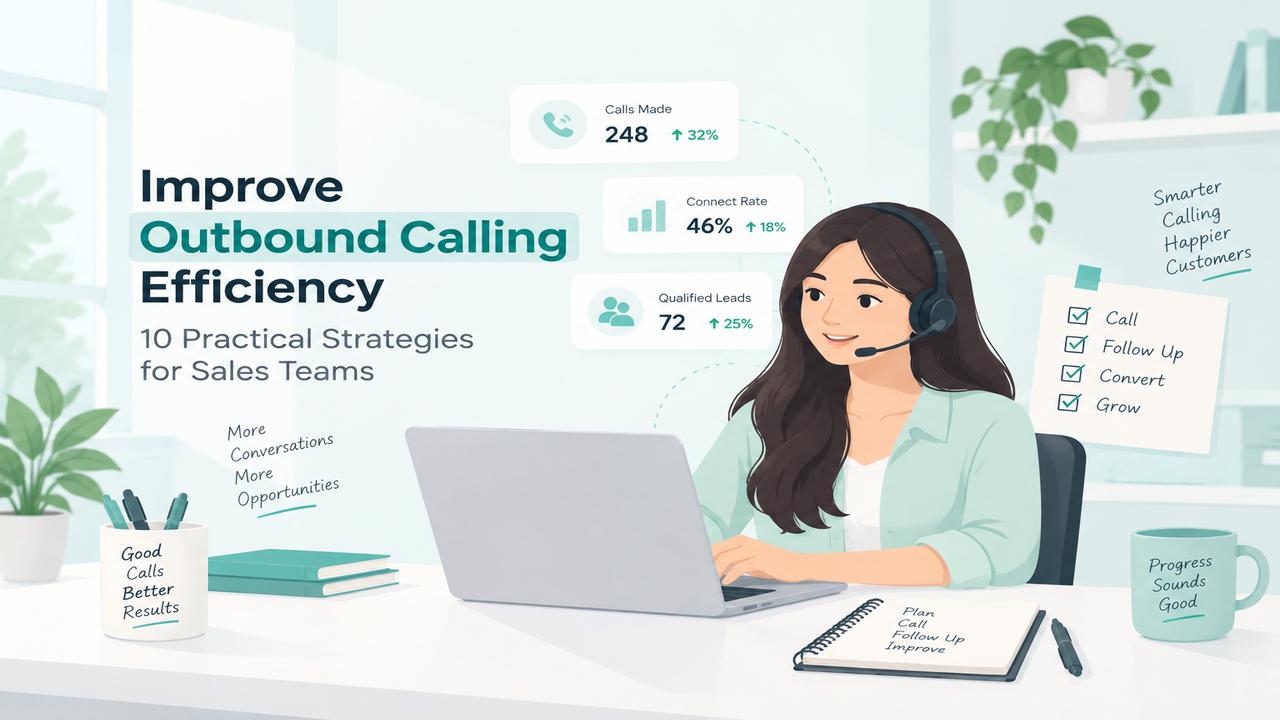
Outbound Calling Efficiency: 10 Strategies for Sales Teams
Outbound calling efficiency is important for sales teams that want to reach more prospects without wasting time on repetitive tasks. Inefficient calling workflo...
Read more →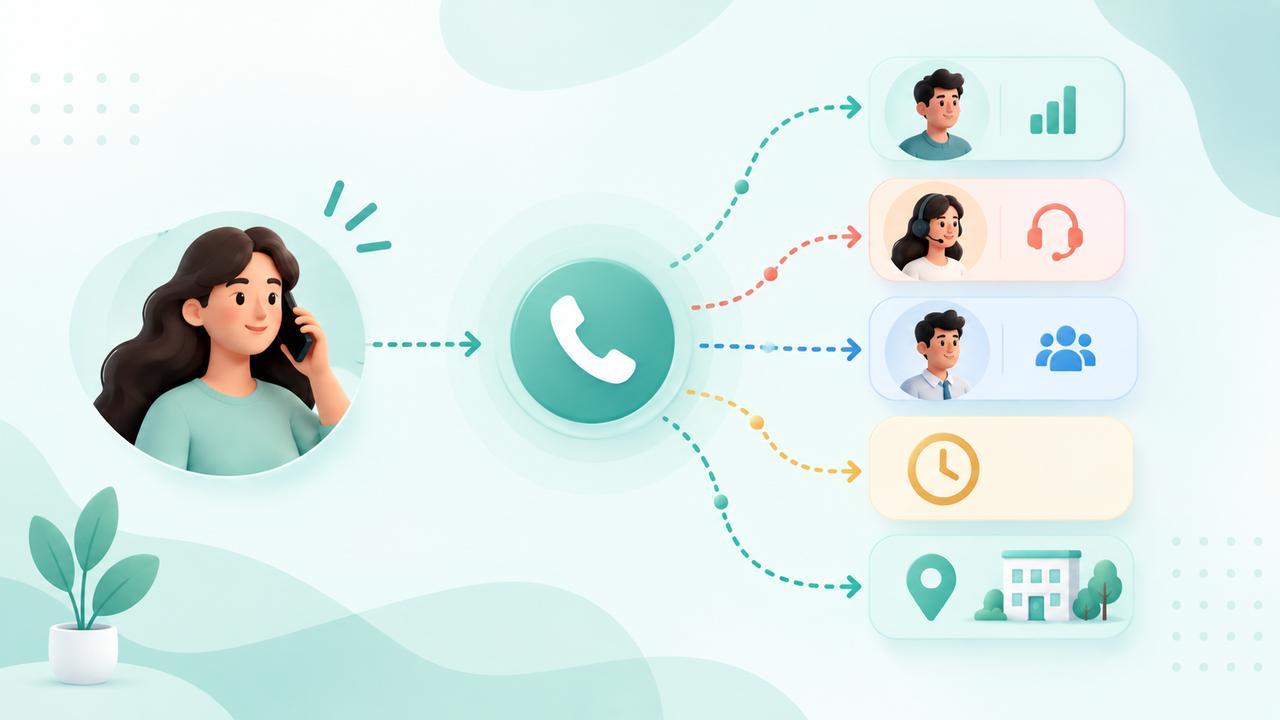
Call Routing System: What Is It and How Does It Work?
Call routing is a phone system feature that directs incoming calls to the right person, team, or destination based on predefined rules. It helps businesses mana...
Read more →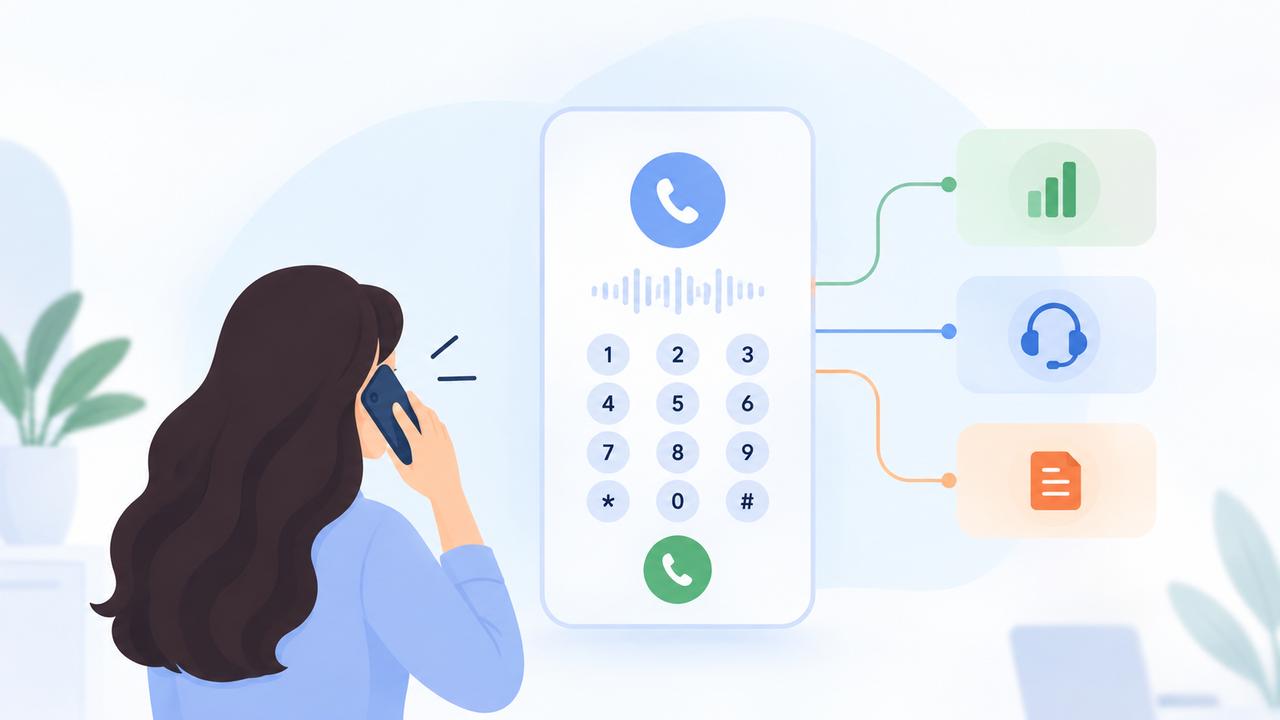
What Is IVR? How Does Interactive Voice Response Work?
Interactive Voice Response (IVR) is an automated phone technology that lets callers interact with a business using keypad selections or spoken responses. It hel...
Read more →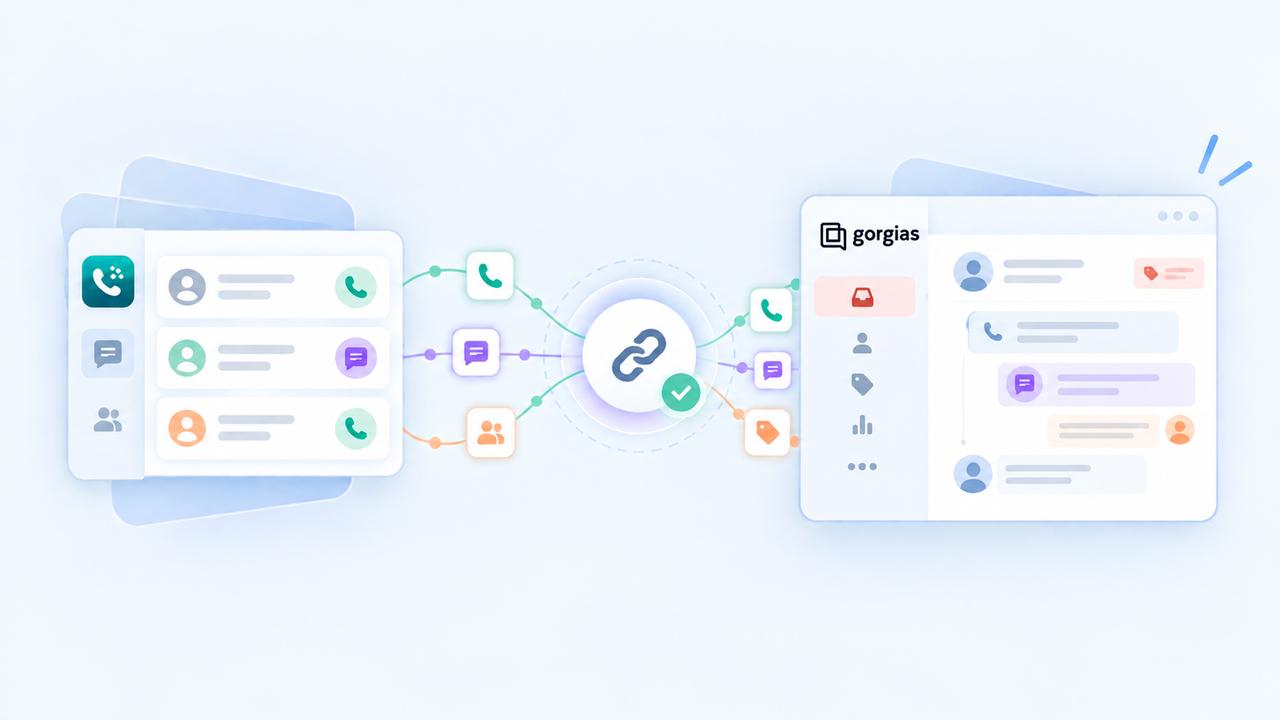
DialNext Gorgias Integration: Connect Gorgias with DialNext
DialNext Gorgias integration lets you connect your DialNext account with Gorgias and log call and SMS activity directly as tickets in Gorgias. Follow the steps ...
Read more →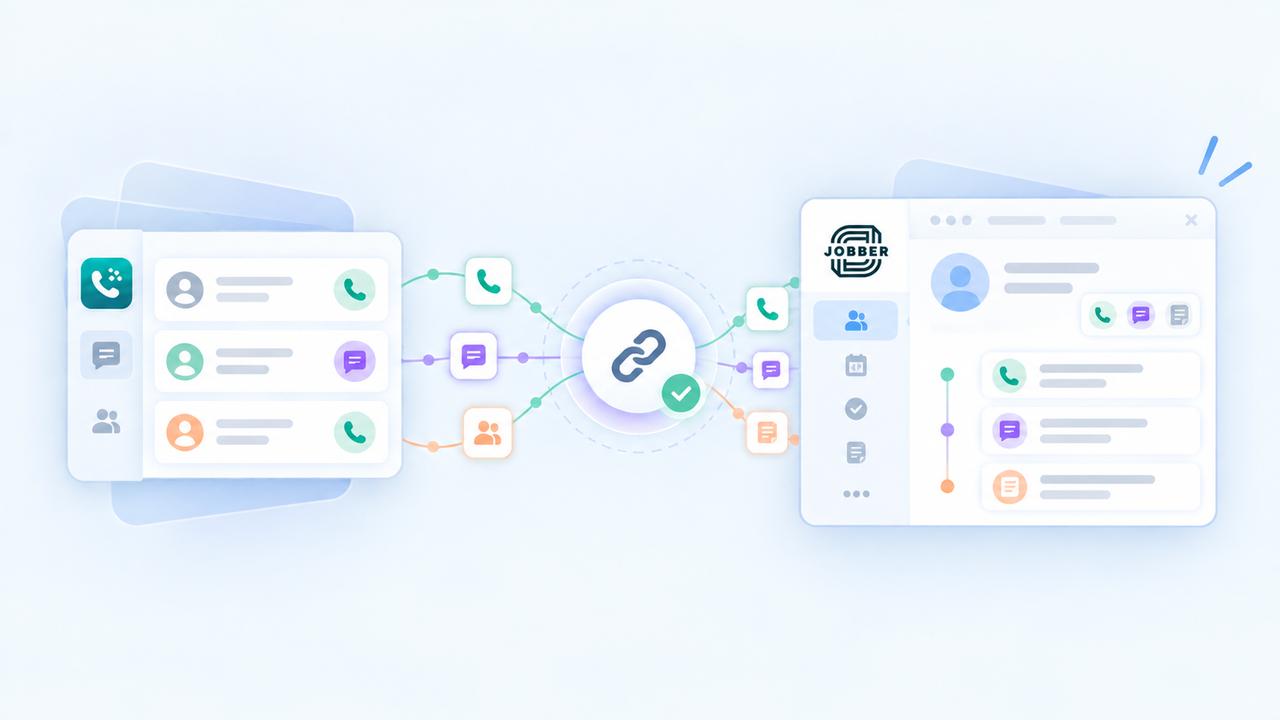
DialNext Jobber Integration: How to Connect Jobber with DialNext?
DialNext Jobber integration lets you connect your DialNext account with Jobber and log call and SMS activity directly as notes on Jobber clients. Follow the ste...
Read more →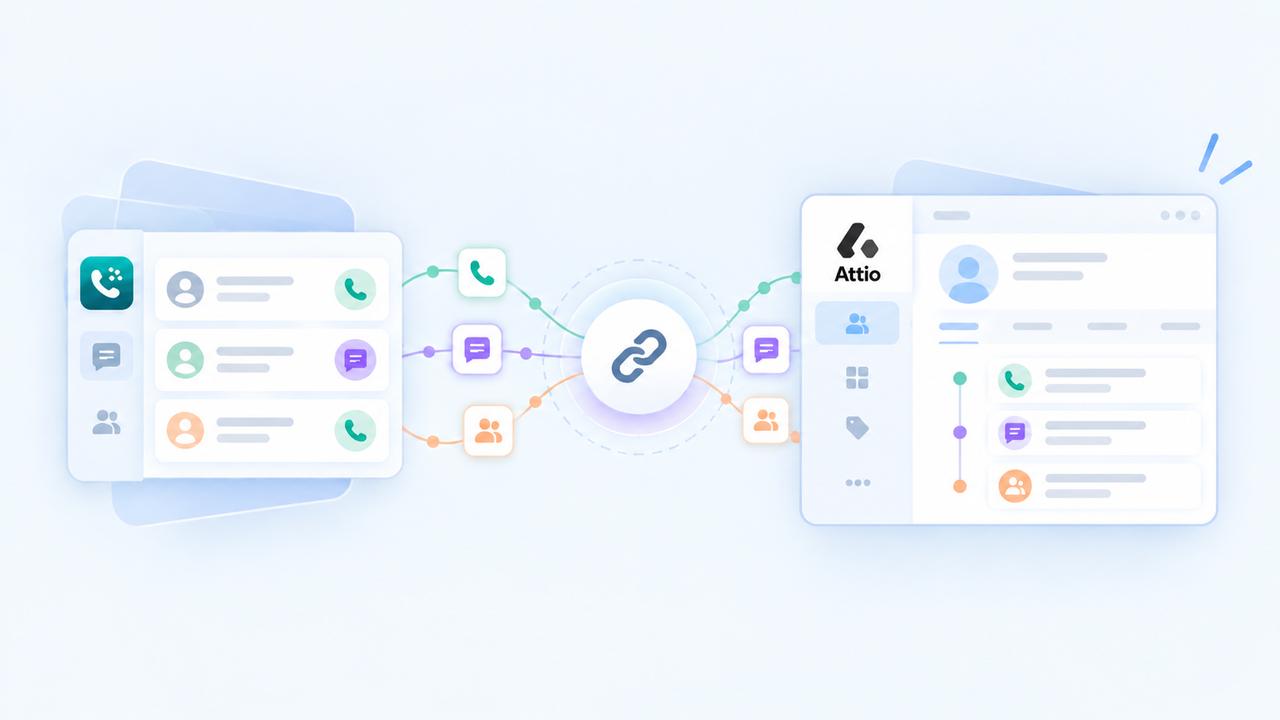
How to integrate DialNext with Attio?
Integrate DialNext with Attio in a few simple steps. How to integrate DialNext with Attio Log in or sign up to your DialNext account. In the left sidebar, click...
Read more →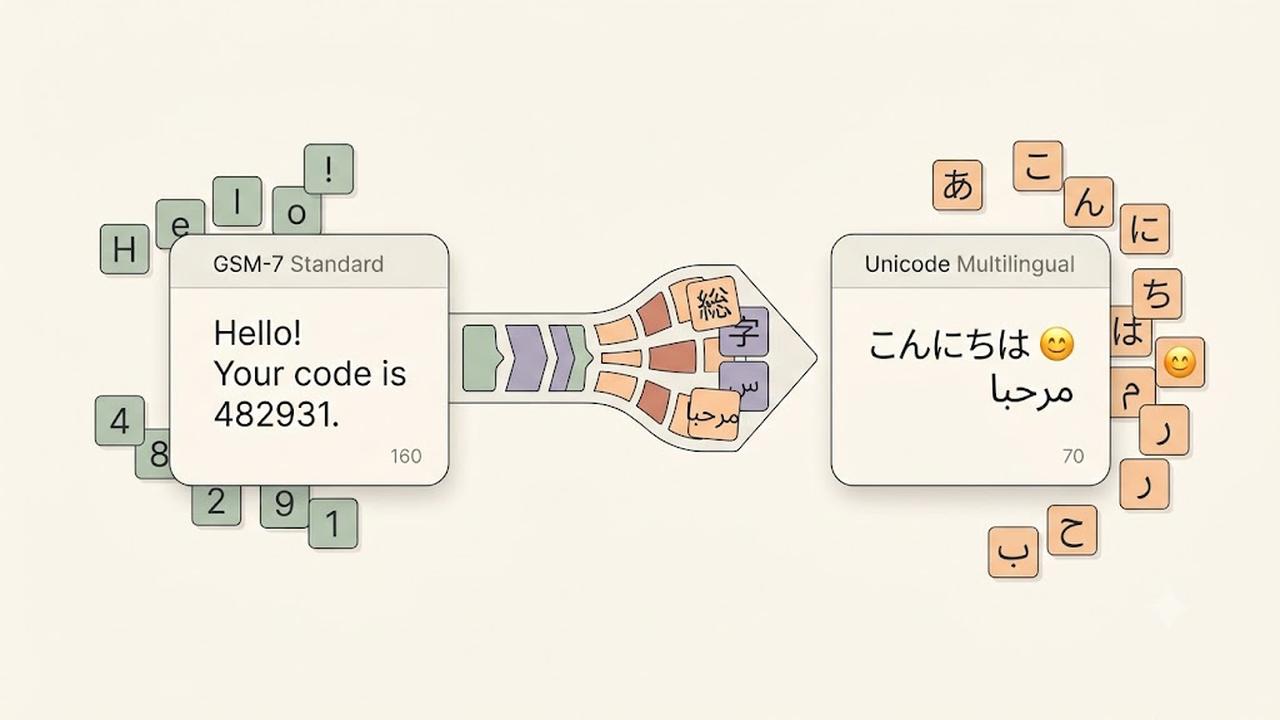
What Are Unicode SMS and GSM Encoding?
SMS Encoding determines how characters inside a text message are converted and transmitted across mobile networks. Different encoding formats affect which chara...
Read more →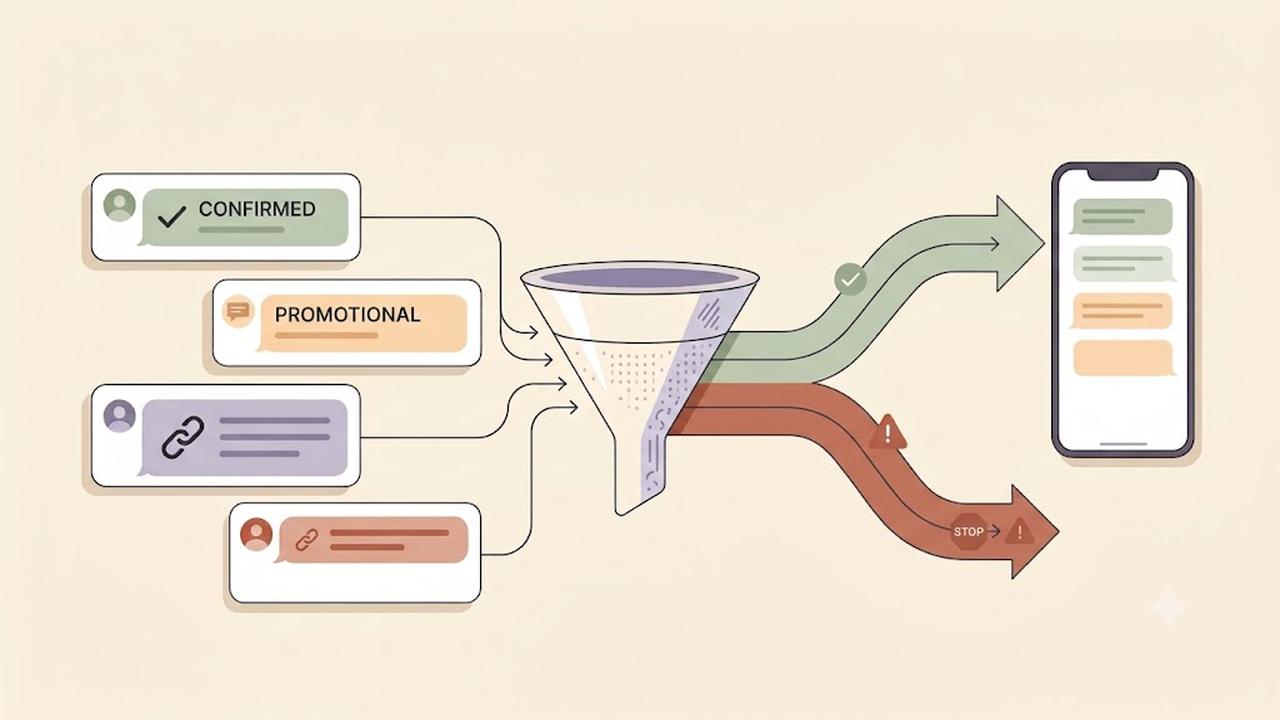
What Is Carrier Filtering in Messaging?
Carrier Filtering is the process mobile carriers use to identify, review, and block messages that may violate messaging rules or appear suspicious. It helps pro...
Read more →
What Is Caller ID?
Caller ID is a telephone service that displays the phone number of an incoming call before you answer it. Many business phone systems also display the caller's ...
Read more →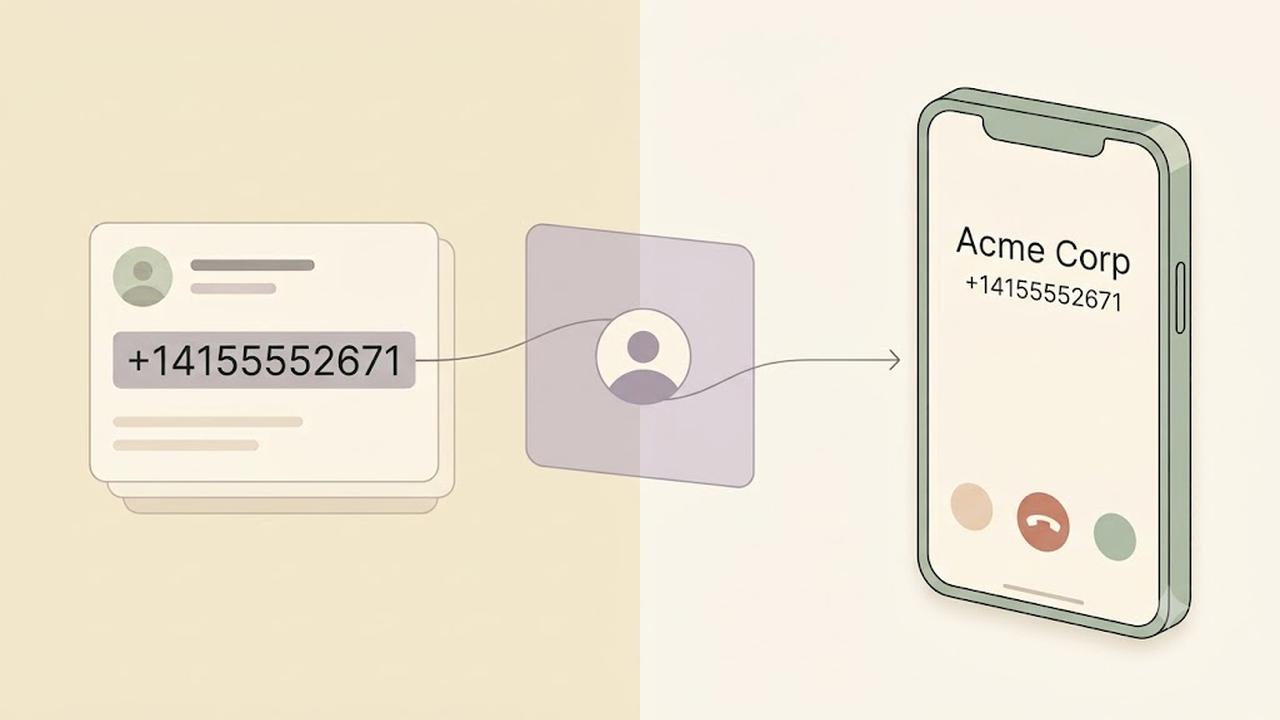
What Is CNAM?
CNAM (Caller ID Name) is a service that displays the caller's name along with their phone number when placing a phone call. Businesses use CNAM to help customer...
Read more →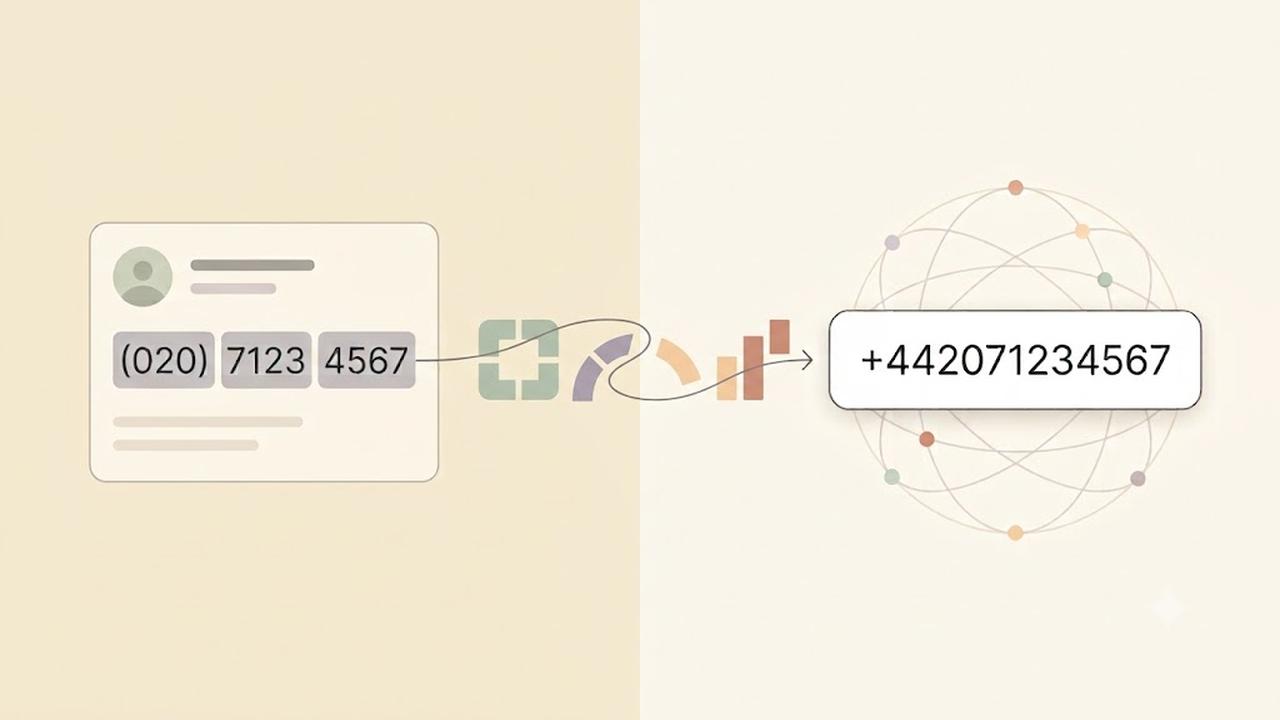
What Is E.164 Format?
E.164 Format is the international standard for representing phone numbers. It ensures every phone number is unique, globally recognizable, and compatible with m...
Read more →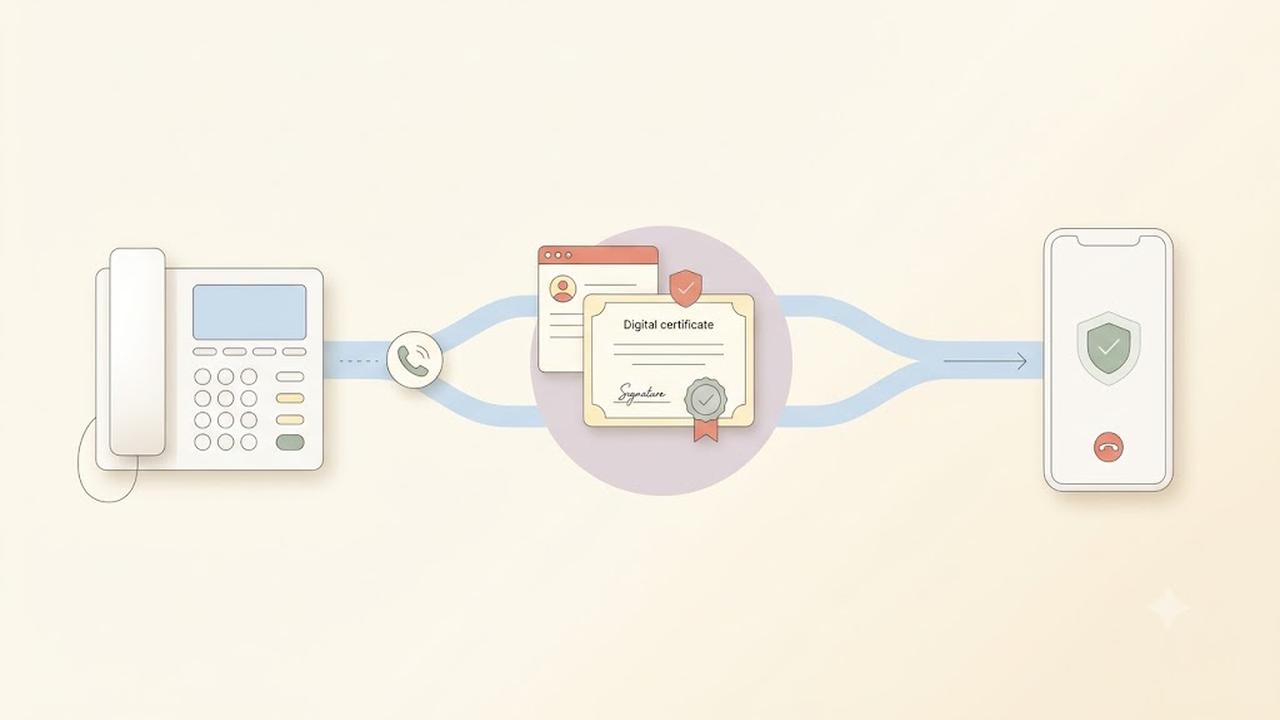
What Is STIR/SHAKEN?
STIR/SHAKEN is a caller ID authentication framework designed to reduce illegal robocalls and caller ID spoofing. It helps telephone service providers verify tha...
Read more →
What Is SIP Trunking?
SIP Trunking is a technology that connects your business phone system to the public telephone network (PSTN) using an internet connection instead of traditional...
Read more →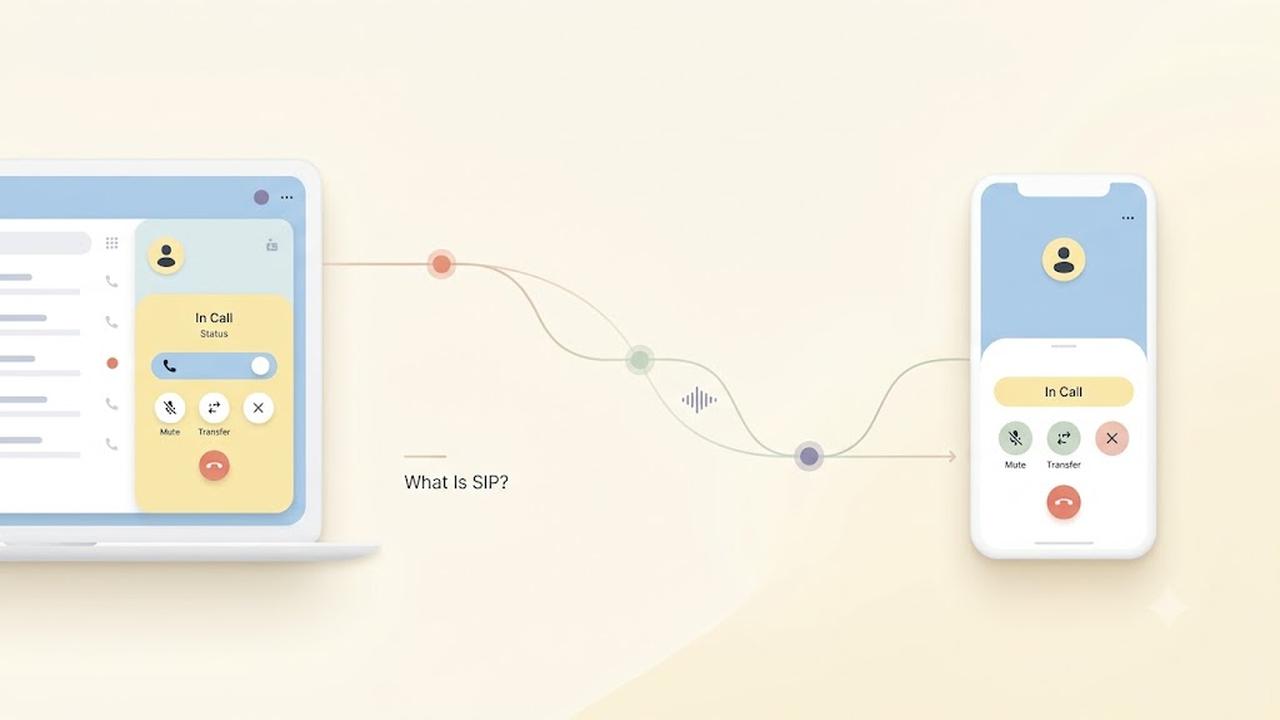
What Is SIP?
Session Initiation Protocol (SIP) is a communication protocol that establishes, manages, and ends voice and video calls over the internet. Instead of relying on...
Read more →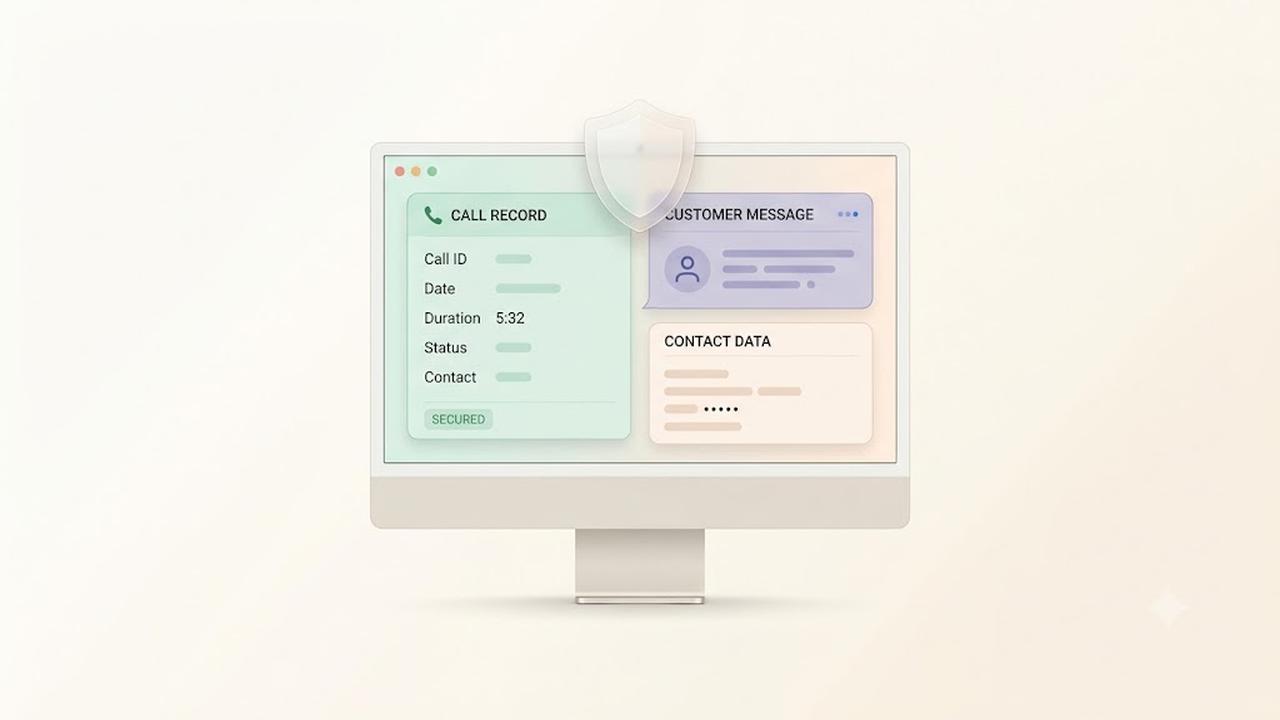
Security & Privacy at DialNext
Protecting customer data is a core part of the DialNext platform. We use industry-standard security practices to help safeguard your account, communications, an...
Read more →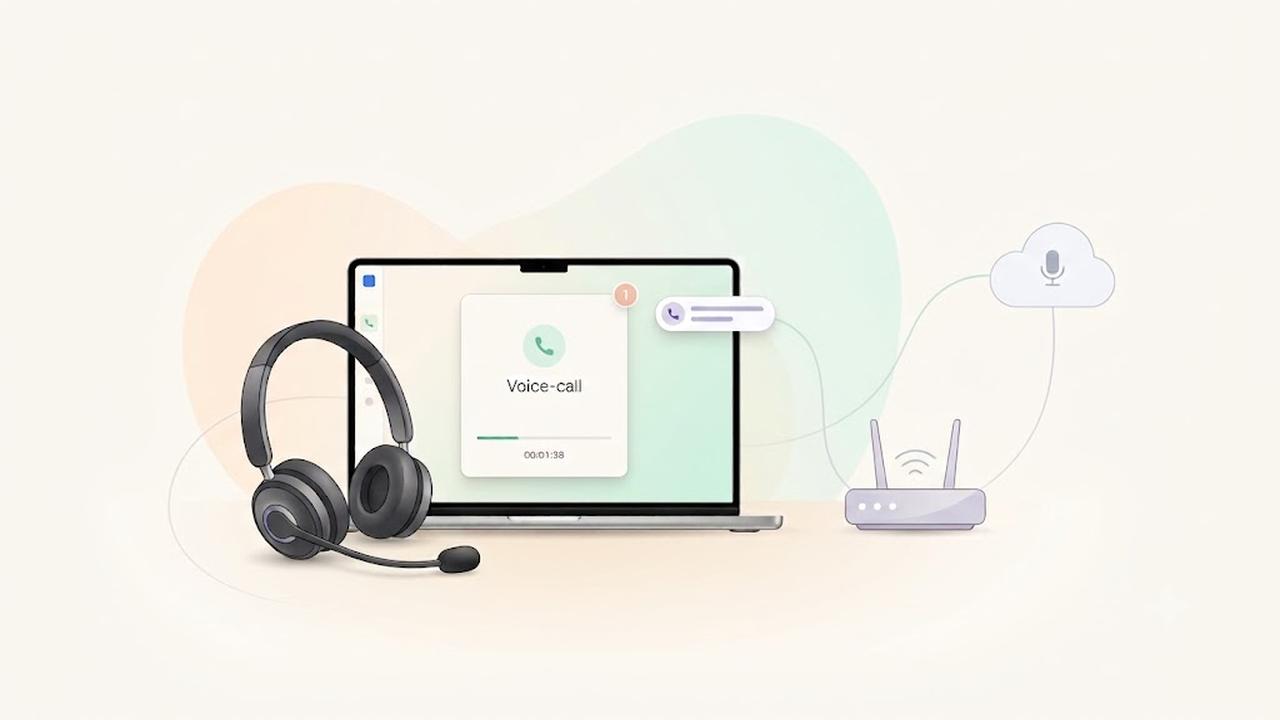
Improve VoIP Call Quality
VoIP Call Quality depends on your internet connection, network configuration, hardware, and software. This guide explains how to improve VoIP Call Quality by op...
Read more →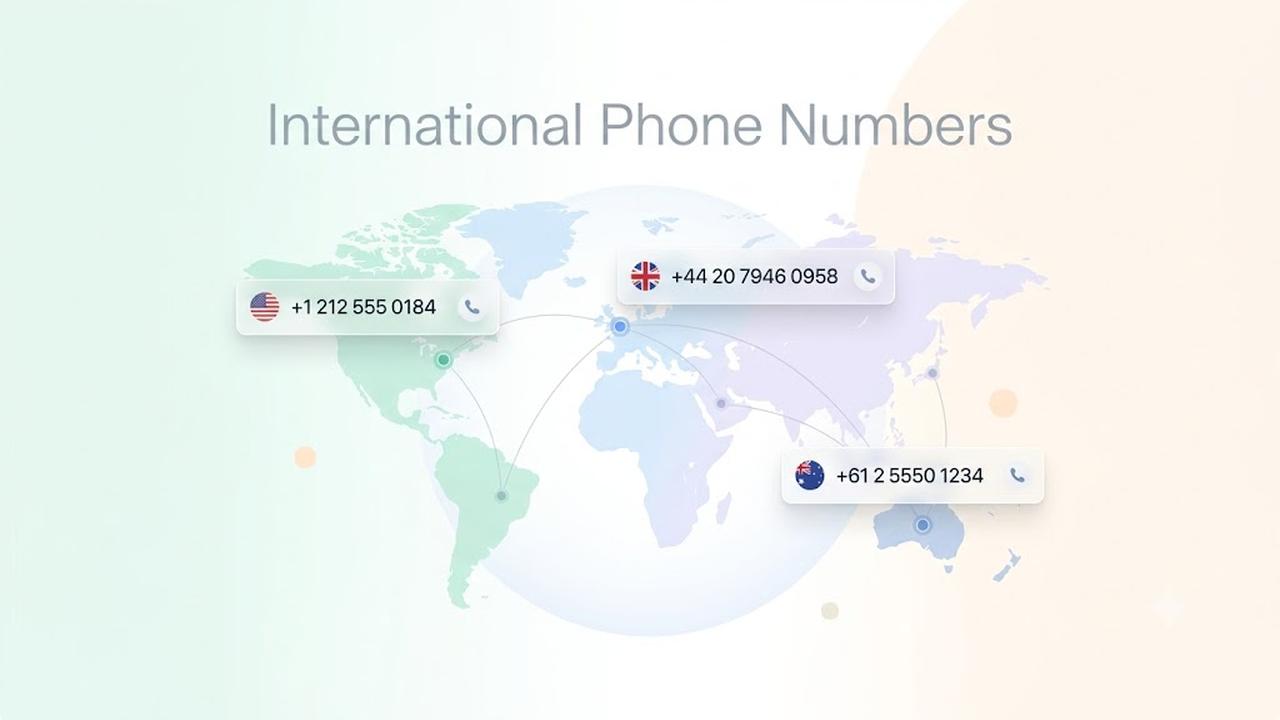
International Phone Numbers Available in 70+ Countries
DialNext allows businesses to purchase international phone numbers in more than 70 countries worldwide. Whether you're building a local presence in a new market...
Read more →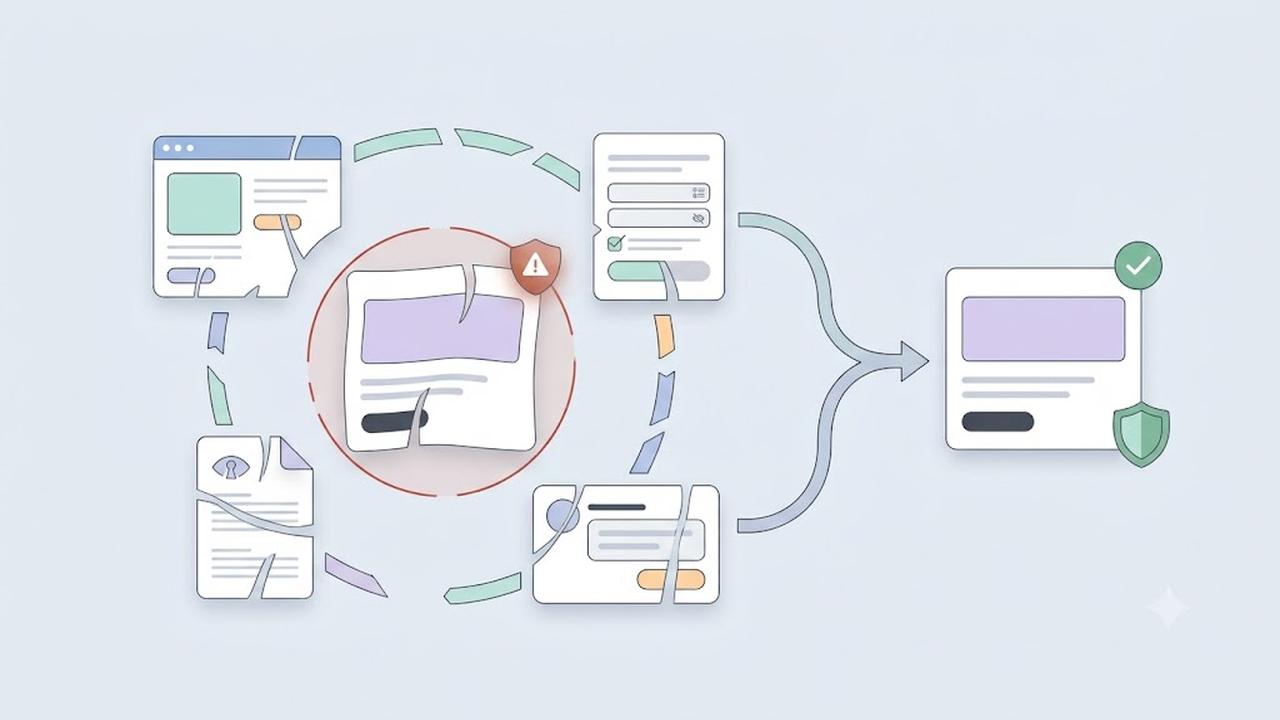
Why Was My A2P 10DLC Campaign Rejected?
If your A2P 10DLC campaign registration was rejected, you must correct the identified issue before submitting a new registration request. Most A2P 10DLC campaig...
Read more →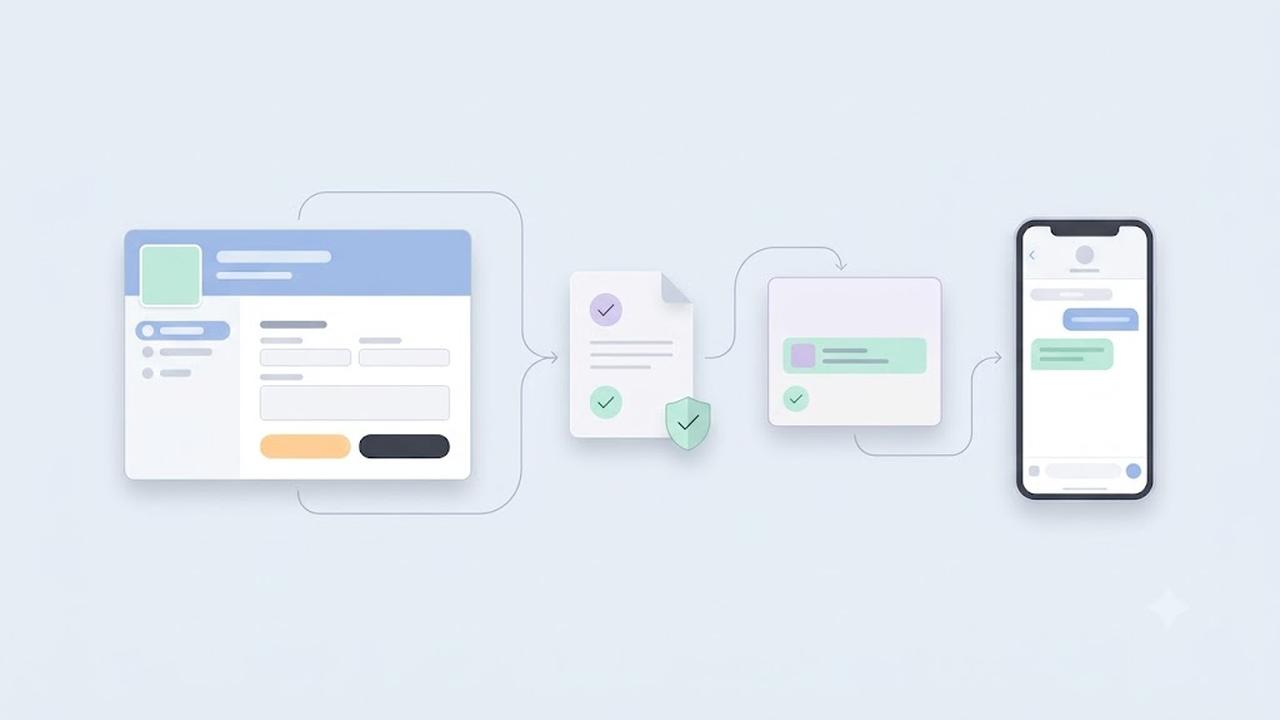
A2P 10DLC Registration Guide
A2P 10DLC registration helps businesses send application-to-person (A2P) SMS and MMS messages over U.S. local 10-digit phone numbers. Mobile carriers use this r...
Read more →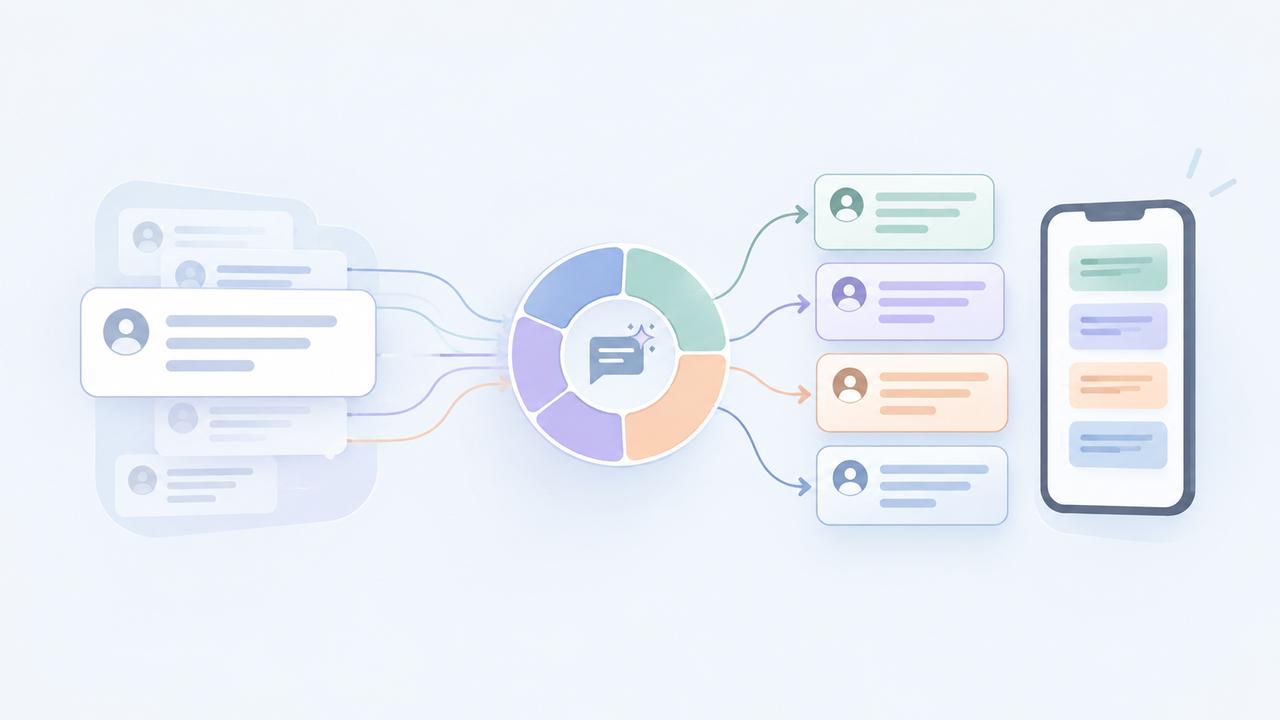
SMS Segment Optimization with Smart Encoding
SMS segment optimization helps reduce unnecessary message segments and control SMS costs. DialNext automatically applies Smart Encoding to outgoing SMS messages...
Read more →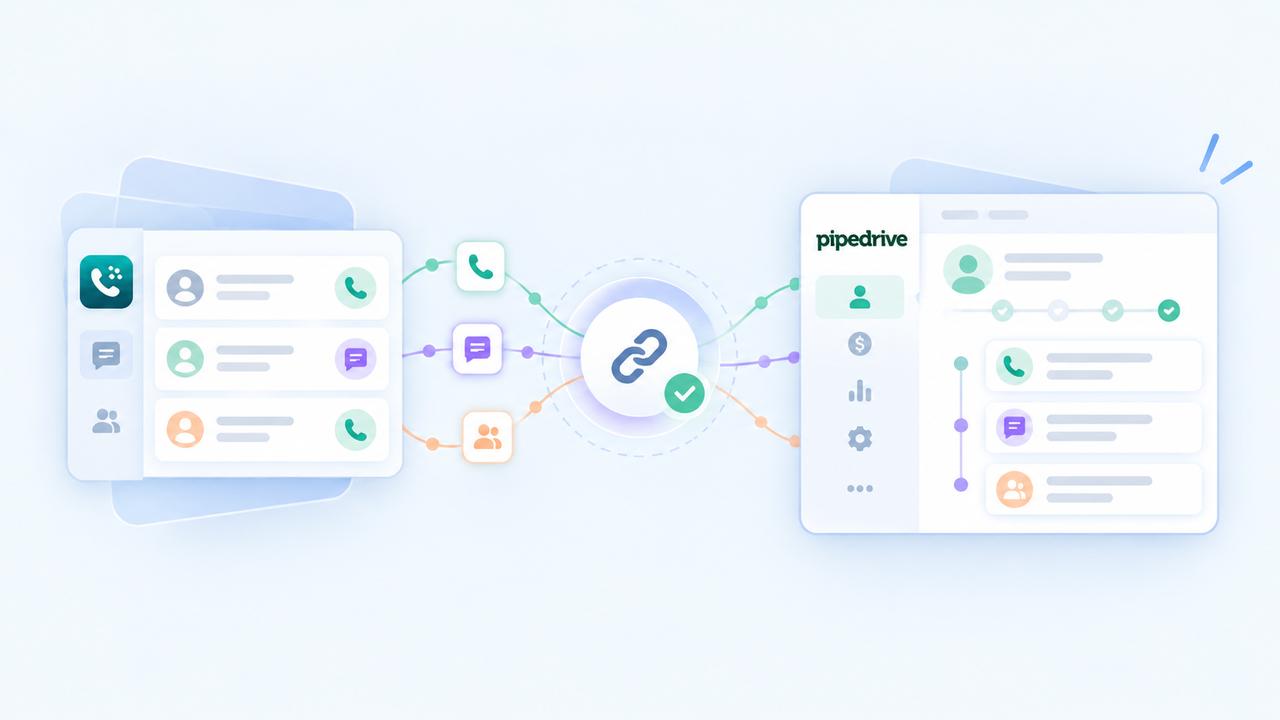
How to integrate with Pipedrive?
Login or Signup to your DialNext account. In the left sidebar, click Integrations . Look for Pipedrive & click the Integrate button. You will be redirected to P...
Read more →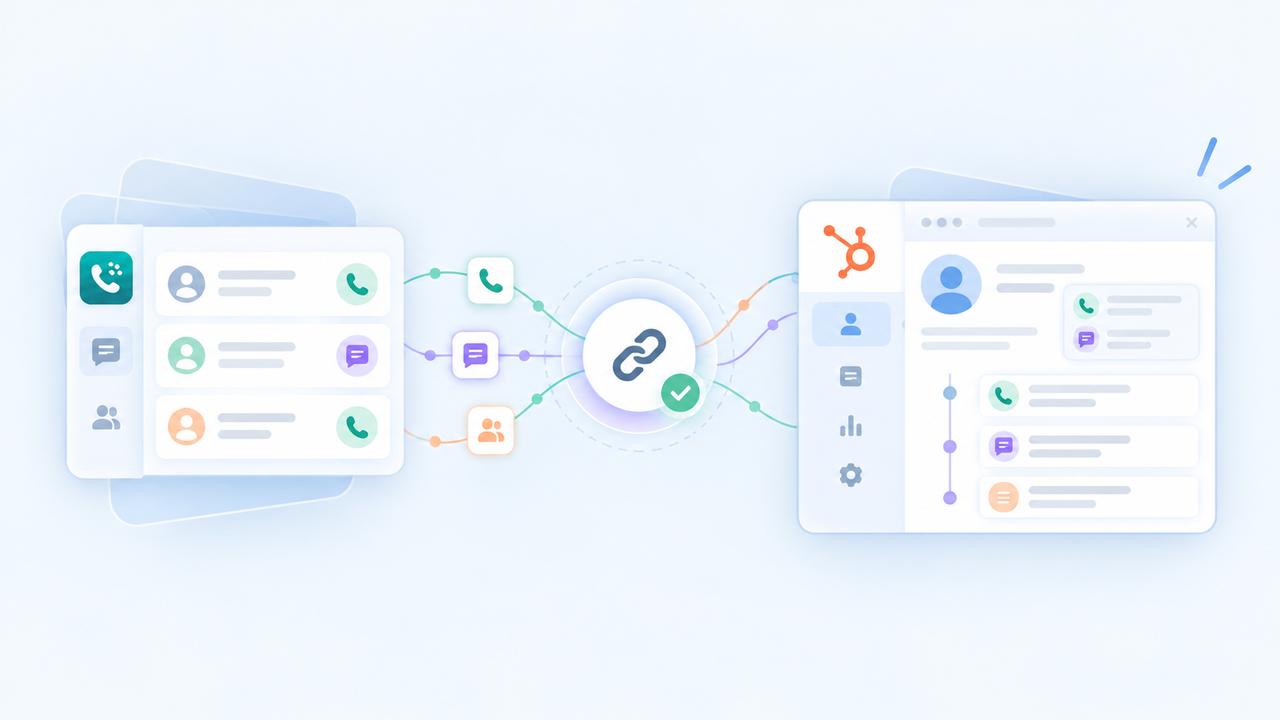
How to integrate with HubSpot?
Login or Signup to your DialNext account. In the left sidebar, click Integrations . Look for HubSpot & click the Integrate button. You will be redirected to Hub...
Read more →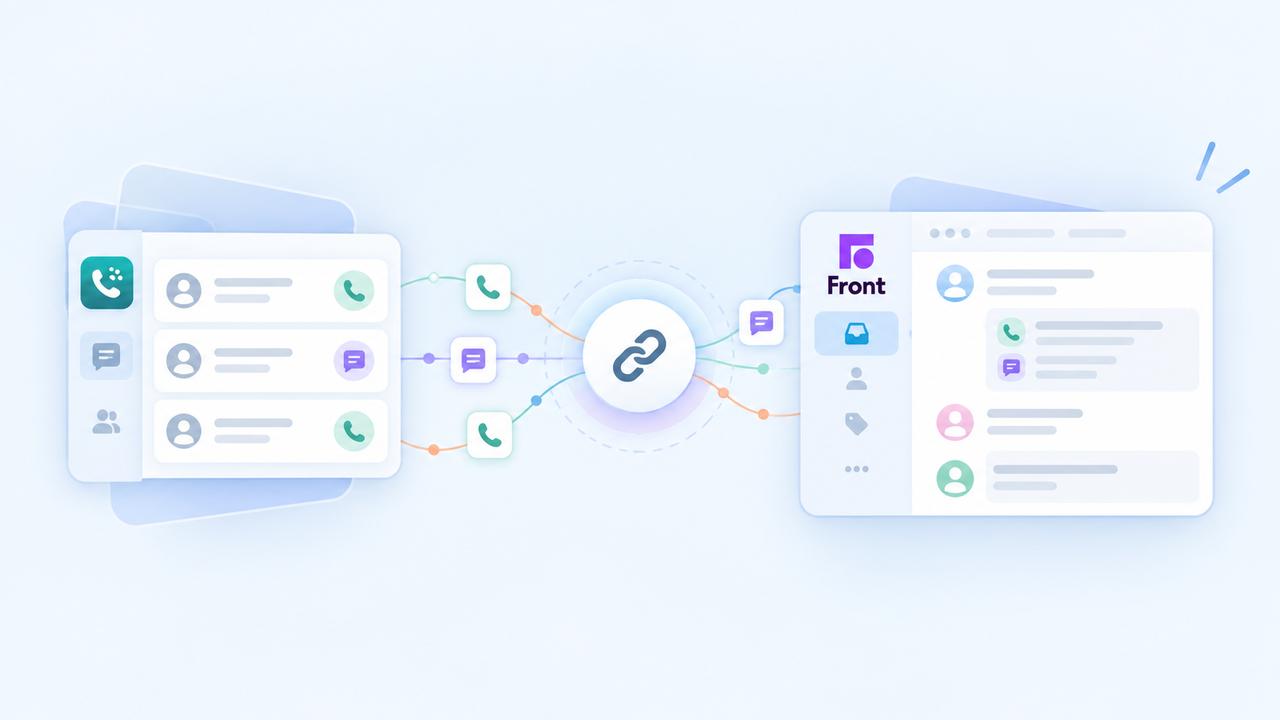
How to integrate with Front?
Login or Signup to your DialNext account. In the left sidebar, click Integrations . Look for Front & click the Integrate button. You will be redirected to Front...
Read more →