The Contact Center That Never Misses a Support Call.
Route every inbound call to the right agent, record every interaction for quality, and follow up across call and SMS from one platform.
No credit card required · 14-day free trial
Customer: David Chen
+1 (312) 555-0199 · Support Line
IVR Selection
Billing
SelectedTechnical Support
Account Help
Ring Group: Billing Team
R.
RingingK.
AvailableA.
On call124
Calls Today
9s
Avg Answer
98
Resolved
80%
Fewer Missed Calls
70+
Countries Covered
99.9%
Uptime SLA
Every tool your support center needs.
Purpose-built for teams that handle high call volume and need every interaction tracked and resolved.
Intelligent Call Routing
Route every caller to the right agent using IVR menus, ring groups, and business-hours rules. No transfers, no dead ends.
Call Recording
Record every inbound and outbound call automatically. Replay any conversation for QA, compliance, or agent training.
Call Tags & Notes
Tag every call with an outcome and add agent notes instantly. Keep a clean, searchable history of every customer interaction.
SMS Support Channel
Handle customer queries over text from the same number they call. Keep call and SMS history together per contact.
Team Analytics
Track call volume, handle times, and resolution rates in real time. Identify your busiest hours and staff accordingly.
Business Hours & Overflow
Configure operating hours per number or team. After-hours calls route to voicemail or a backup line automatically.
Every caller reaches the right agent, first try.
Stop callers from bouncing between agents or waiting on hold. DialNext routes every inbound call based on IVR selection, team availability, and business hours so the right person picks up every time.
Multi-level IVR routes by department, topic, or language
Ring groups distribute load so no one call waits too long
Time-of-day rules manage peak hours and after-hours automatically
Separate configurations per number, team, or location
Customer: David Chen
+1 (312) 555-0199 · Support Line
IVR Selection
Billing
SelectedTechnical Support
Account Help
Ring Group: Billing Team
R.
RingingK.
AvailableA.
On call124
Calls Today
9s
Avg Answer
98
Resolved
SMS Support
David Chen
Billing question resolved via SMS · 14 mins ago
Maria Gonzalez
Refund status confirmed · 1hr ago
James Park
Account reset link sent · 2hrs ago
Reply to David Chen
Reply to David Chen...
Resolve more tickets without a phone call.
Not every support issue needs a call. DialNext gives every number two-way SMS so agents can resolve simple queries by text, keep the phone line clear for complex issues, and manage everything from one inbox.
Two-way SMS on every DialNext number
Handle simple queries by text, freeing phone lines for complex calls
Full SMS history next to every contact's call log
Agents manage calls and texts from one inbox
Support teams trust DialNext.
Real outcomes from real support teams.
"IVR routing cut transfers by more than half the first month. Customers reach the right department almost every time now."
Darnell Hughes
Contact Center Manager, HorizonCare
"SMS support was unexpected but now it is our most-used channel. Simple questions get answered by text and the phone stays clear for real issues."
Sophia Laurent
Head of CX, Cove Commerce
"Every call recorded and tagged means our QA review takes hours instead of days. We filter by tag and listen to exactly what we need."
Aaron Fields
QA Lead, RapidResponse Group
Keep every conversation in your CRM
Calls, SMS, and notes land in HubSpot, Salesforce, Pipedrive, and the rest of your stack automatically, so reps never re-enter the same update twice.
 HubSpot
 Salesforce
 Pipedrive
 Front
Front Zendesk
 ActiveCampaign
 Monday.com
 Gorgias
 Bullhorn
 HappyFox
 Attio
Attio Jobber
Building on more connectors so DialNext fits the stack you already run.
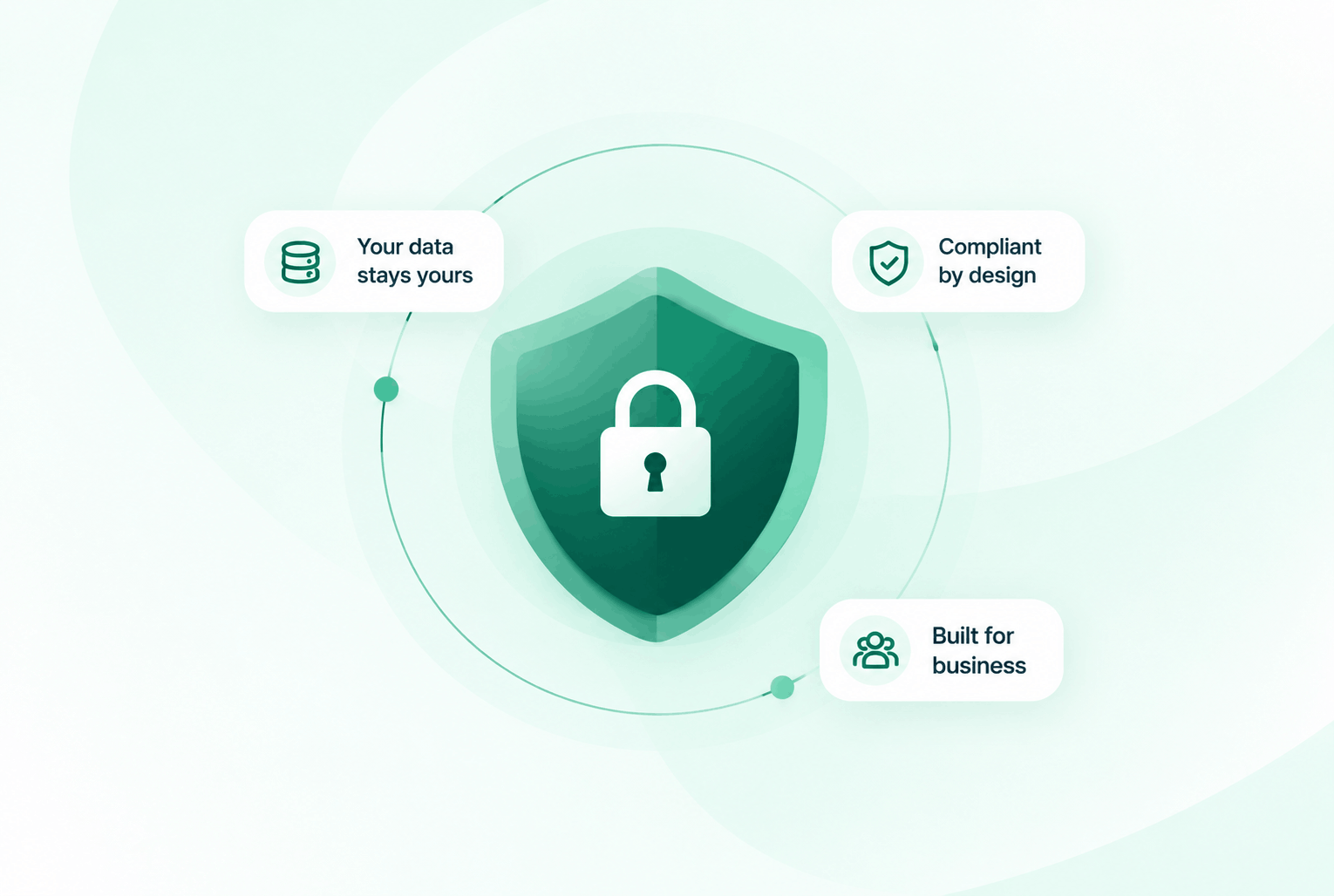
Security & compliance
Enterprise-ready privacy, without the enterprise friction
Encryption in transit and at rest, plus GDPR and HIPAA-ready controls for teams that handle sensitive conversations.


Common questions
Everything you need to know before getting started.
Can we route calls differently for different departments?
Yes. DialNext lets you create separate IVR menus, ring groups, and business hours per number or team, all managed from one dashboard.
How does SMS support work alongside calls?
Every DialNext number supports two-way SMS. Agents see call and SMS history together per contact, and can reply to texts from the same inbox they manage calls from.
Are call recordings stored indefinitely?
Yes. Recordings are encrypted and stored in the cloud with no expiry. You can access, replay, or download any recording from your call log at any time.
How many agents can share the same support number?
As many as you need. Ring groups let unlimited agents share a number, with configurable distribution methods including round-robin and ring-all.
Ready to build a support center that never misses?
Join support teams using DialNext to route every call, record every interaction, and resolve more issues across call and SMS.