Reach More Prospects. Log Every Conversation.
Give your outbound team the tools to make more calls, follow up via SMS, and keep every interaction synced to your CRM without the admin overhead.
No credit card required · 14-day free trial
Calling: James Whitfield
Apex Solar · +1 (512) 555-0143
Tags
Add call notes...
Discussed Q3 pricing. Interested in enterprise tier.
47
Dials Today
31
Connected
9
Voicemails
80%
Less Admin Time
70+
Countries Covered
99.9%
Uptime SLA
Every tool your outbound team needs to connect.
Built for teams that live on the phone and need results, not complexity.
One-Click Outbound Calling
Call any contact from your CRM or contact list in one click. No manual dialing, no switching between apps.
SMS Follow-Up
Send a follow-up text the moment a call ends or goes unanswered. Reach prospects on the channel they actually respond to.
Call Recording
Record every outbound call automatically. Review pitch quality, verify commitments, and use recordings for team training.
Call Tags & Tagging
Tag every call with an outcome: connected, voicemail left, callback requested, not interested. Keep your pipeline data accurate.
CRM Integration
Every call, note, and tag syncs to HubSpot, Salesforce, Pipedrive, and more automatically. No copy-pasting, no missed follow-ups.
Rep Performance Analytics
Track dials, connect rates, and call outcomes per rep. Identify who is following up fast and who needs a nudge.
Every call logged before you hang up.
Stop chasing reps to update records. DialNext captures every call detail automatically so your CRM stays clean and your team stays focused on selling.
One-click dialing from any CRM contact record
Notes and tags sync to CRM the moment a call ends
Voicemail drop leaves a pre-recorded message and moves to the next call
Call recordings stored automatically per contact
Calling: James Whitfield
Apex Solar · +1 (512) 555-0143
Tags
Add call notes...
Discussed Q3 pricing. Interested in enterprise tier.
47
Dials Today
31
Connected
9
Voicemails
SMS Follow-Up
To James Whitfield
DeliveredHi James, just tried calling about your Q3 needs. Free for a quick chat tomorrow?
Sent 2 min ago
To Rachel Torres
ReplyFollowing up on our call about the demo. Here is the calendar link: [link]
Sent 1hr ago
Rachel: Thanks, booked for Thursday!
To David Kim
DeliveredLeft you a voicemail! Happy to answer any questions over text too.
Sent 3hrs ago
Prospects who missed your call will read your text.
A missed call is not a lost lead. DialNext lets you send a follow-up text immediately so prospects can reply when it suits them, on the same business number they already recognize.
Send a text immediately after an unanswered call
Follow up with connected prospects via the same business number
All SMS history linked to the contact alongside call records
Two-way SMS so prospects can reply and continue the conversation
Outbound teams choose DialNext.
Real results from real outbound teams.
"CRM sync was the biggest time saver. Reps used to spend 20 minutes after each call updating records. Now it just happens automatically."
Nathan Wise
VP of Sales, TrackBridge CRM
"SMS follow-ups after unanswered calls genuinely surprised us. Our callback rate from texts is way higher than from voicemails."
Amara Osei
Head of Outbound, SkyGrowth Agency
"The rep analytics showed us exactly where leads were going cold. Within a week we changed our follow-up timing and conversions improved."
Lucas Fernandez
Inside Sales Director, GridPoint Energy
Keep every conversation in your CRM
Calls, SMS, and notes land in HubSpot, Salesforce, Pipedrive, and the rest of your stack automatically, so reps never re-enter the same update twice.
 HubSpot
 Salesforce
 Pipedrive
 Front
Front Zendesk
 ActiveCampaign
 Monday.com
 Gorgias
 Bullhorn
 HappyFox
 Attio
Attio Jobber
Building on more connectors so DialNext fits the stack you already run.
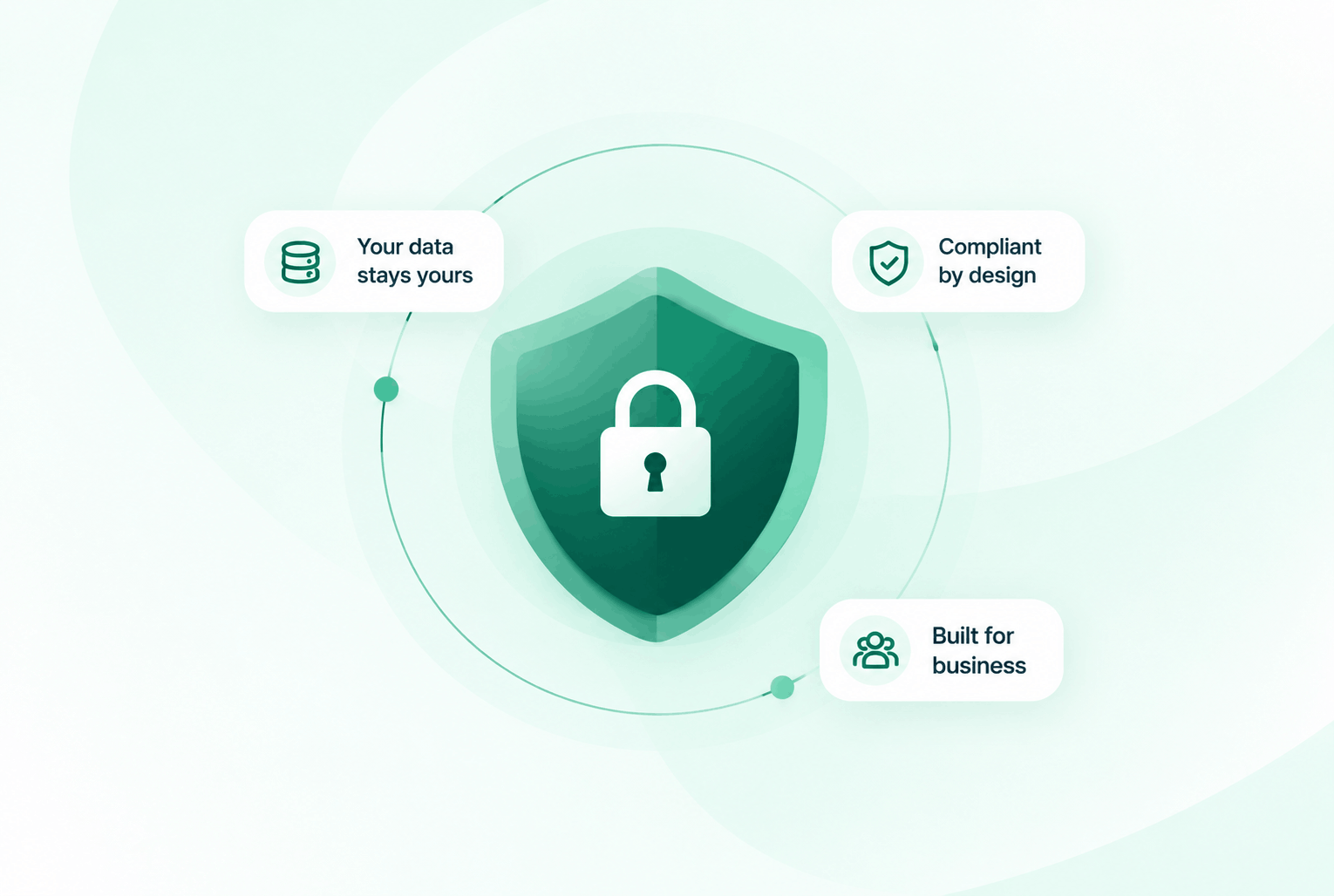
Security & compliance
Enterprise-ready privacy, without the enterprise friction
Encryption in transit and at rest, plus GDPR and HIPAA-ready controls for teams that handle sensitive conversations.


Common questions
Everything you need to know before getting started.
Does DialNext have a dialer that works from my CRM?
Yes. DialNext integrates with HubSpot, Salesforce, Pipedrive, and more. You can initiate calls directly from contact records inside your CRM with one click.
Can reps leave voicemails without recording one each time?
Yes. DialNext supports voicemail drop. Reps pre-record a voicemail message and drop it with one click, then move straight to the next contact.
How are call tagss tracked?
After each call, reps tag the outcome using your configured tags. These tags sync to your CRM automatically alongside the recording and any notes.
Can I see which reps are making the most dials?
Yes. The analytics dashboard shows per-rep call volume, connect rates, and outcome breakdowns. You can filter by date, team, or number.
Ready to make every outbound call count?
Join outbound teams using DialNext to dial more contacts, follow up faster via SMS, and keep every conversation logged without the admin work.