A Phone System Your IT Team Will Love.
Set up in minutes, not weeks. Manage users, numbers, and integrations from one dashboard without touching a single piece of hardware.
No credit card required · 14-day free trial

Support Callback
Priya Shah
Re: VPN access issue
80%
Less Admin Time
70+
Countries Covered
99.9%
Uptime SLA
Everything IT needs to deploy
and manage at scale
Built for teams that need reliability, control, and zero maintenance overhead.
Zero-Hardware Setup
DialNext runs entirely in the browser. Provision numbers, add users, and configure routing with no hardware, no on-site installation, no IT tickets.
Role-Based Access
Control exactly what each user can see and do. Assign admin, manager, or agent roles with different permissions for data and settings.
Deep Integrations
Connect DialNext to your CRM, helpdesk, or any tool in your stack. Native integrations and a robust API for custom workflows.
Call Recording & Audit Logs
Every call recorded and logged automatically. Full audit trail for compliance, security reviews, and operational oversight.
Flexible Call Routing
Configure IVR menus, ring groups, and business-hours rules per number via a visual interface. No developer needed.
Usage Analytics
Track call volume, system usage, and team activity from a central dashboard. Identify trends and plan capacity confidently.
IT teams trust DialNext.
99
"We set up our entire phone system in one afternoon. No hardware, no consultants, no ongoing maintenance tickets."
James Franklin
IT Director, Meridian Group
"Role-based access meant we could give managers full visibility without giving them admin-level control. That was a hard requirement for us."
Nina Patel
Head of IT, Prism Analytics
"The API documentation is clean and thorough. Our dev team had a custom CRM integration running within a day of getting access."
Sam Brookfield
CTO, Clearview Ops
Keep every conversation in your CRM
Calls, SMS, and notes land in HubSpot, Salesforce, Pipedrive, and the rest of your stack automatically, so reps never re-enter the same update twice.
 HubSpot
 Salesforce
 Pipedrive
 Front
Front Zendesk
 ActiveCampaign
 Monday.com
 Gorgias
 Bullhorn
 HappyFox
 Attio
Attio Jobber
Building on more connectors so DialNext fits the stack you already run.
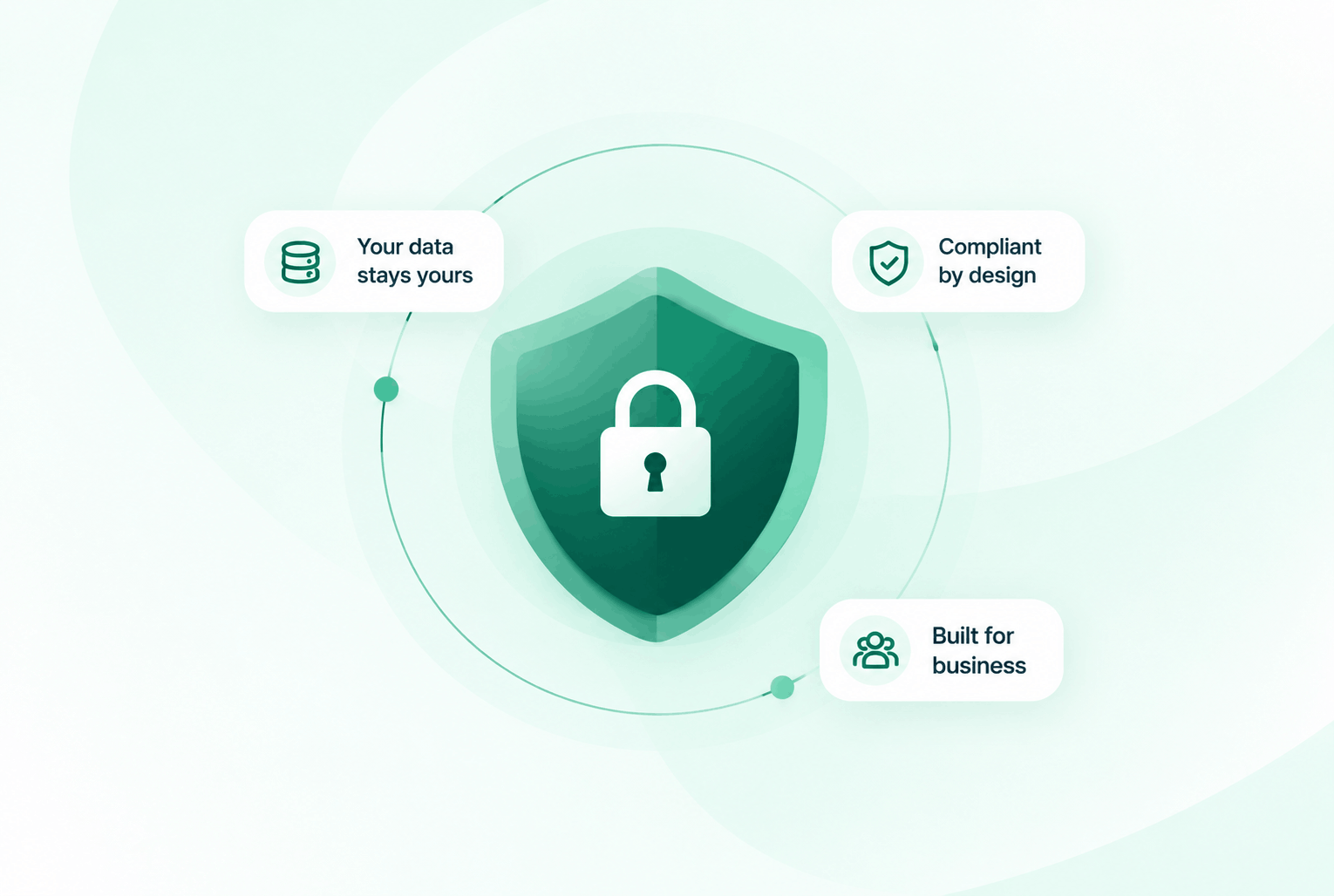
Security & compliance
Enterprise-ready privacy, without the enterprise friction
Encryption in transit and at rest, plus GDPR and HIPAA-ready controls for teams that handle sensitive conversations.


Common questions
Everything you need to know before getting started.
Does DialNext require any hardware or on-site installation?
No. DialNext is entirely browser-based. Your team can make and receive calls from any device with an internet connection.
How do user roles and permissions work?
DialNext supports Admin, Manager, and Agent roles. Each role has different access levels for settings, analytics, recordings, and user management.
Is there an API available for custom integrations?
Yes. DialNext provides a REST API for accessing call data, recordings, contacts, and more. Full documentation is available in the developer portal.
How is our call data secured?
All call data and recordings are encrypted in transit and at rest. DialNext complies with industry-standard security requirements and provides role-based data access controls.
Ready to simplify your phone stack?
Join IT and operations teams using DialNext to deploy a cloud phone system with no hardware, full control, and zero maintenance headaches.