Route Every Caller to the Right Person, Automatically.
Build multi-level IVR menus that greet every caller, present the right options, and connect them to the right agent or team without a single transfer.
No credit card required · 14-day free trial
Welcome to DialNext. Press 1 for Sales, 2 for Support, 3 for Billing.
Sales
Sales Team (Round Robin) · 5 agents
Support
Press 1 Technical
Press 2 Billing
Billing
K. Patel (Direct)
6
Active Paths
8s
Avg Route Time
3
Missed
80%
Fewer Misrouted Calls
70+
Countries Covered
99.9%
Uptime SLA
Everything you need to route calls perfectly.
Built for businesses that want every caller to reach the right person the first time.
Multi-Level IVR Menus
Build IVR menus with unlimited nesting. Callers navigate options by key press and route to the right team, agent, or sub-menu automatically.
Ring Groups
Assign calls to a group of agents using ring-all, round-robin, or sequential distribution. The first available agent always picks up.
Business Hours Routing
Configure different routing behavior for business hours, after-hours, and holidays. Calls outside hours go to voicemail or a backup line.
Custom Greetings & Voicemail
Upload custom audio greetings for every menu level. After-hours callers hear a professional message and can leave a voicemail.
IVR Analytics
See which menu options callers select most, where drop-offs happen, and which paths generate the most missed calls.
CRM Sync
Every call that passes through your IVR is logged to your CRM automatically with the path taken and outcome recorded.
Build an IVR that callers actually want to use.
Most IVR systems frustrate callers. DialNext gives you the flexibility to build menus that route callers fast, with no dead ends and no unnecessary transfers.
Unlimited menu depth with digit-press navigation
Route to individual agents, ring groups, or sub-menus
Round-robin, ring-all, and sequential ring distribution
After-hours and holiday routing rules per number
Welcome to DialNext. Press 1 for Sales, 2 for Support, 3 for Billing.
Sales
Sales Team (Round Robin) · 5 agents
Support
Press 1 Technical
Press 2 Billing
Billing
K. Patel (Direct)
6
Active Paths
8s
Avg Route Time
3
Missed
Business Hours
Weekly Schedule
Mon
Tue
Wed
Thu
Fri
Sat
Sun
During hours: Route to Sales IVR
After hours: Play greeting + voicemail
After-Hours Greeting
"Thanks for calling DialNext. Our office is currently closed. Leave a message and we'll call you back on the next business day."
Different rules for different hours, automatically.
Your callers do not check your schedule before they call. DialNext ensures every call is handled professionally whether it arrives at 10am or 10pm.
Set business hours per phone number with day and time granularity
Outside hours: route to voicemail, backup team, or a custom message
Holiday routing applies without any manual switching
Callers always get a clear, professional experience regardless of when they call
Teams trust DialNext to route every call.
Real results from real businesses.
"The IVR setup took less than an hour. Three departments, fully routed, before the end of the morning and missed calls dropped immediately."
Andrew Flores
IT Director, Harbor Insurance Group
"Callers reach the right team without getting transferred around. That alone made a noticeable difference in how customers felt calling us."
Keisha Thompson
Operations Manager, Bloom Healthcare
"After-hours routing means callers never hit a dead end. They get a professional message and can leave a voicemail. That is all they need."
Omar Hassan
Head of Customer Ops, Stellar Financial
Keep every conversation in your CRM
Calls, SMS, and notes land in HubSpot, Salesforce, Pipedrive, and the rest of your stack automatically, so reps never re-enter the same update twice.
 HubSpot
 Salesforce
 Pipedrive
 Front
Front Zendesk
 ActiveCampaign
 Monday.com
 Gorgias
 Bullhorn
 HappyFox
 Attio
Attio Jobber
Building on more connectors so DialNext fits the stack you already run.
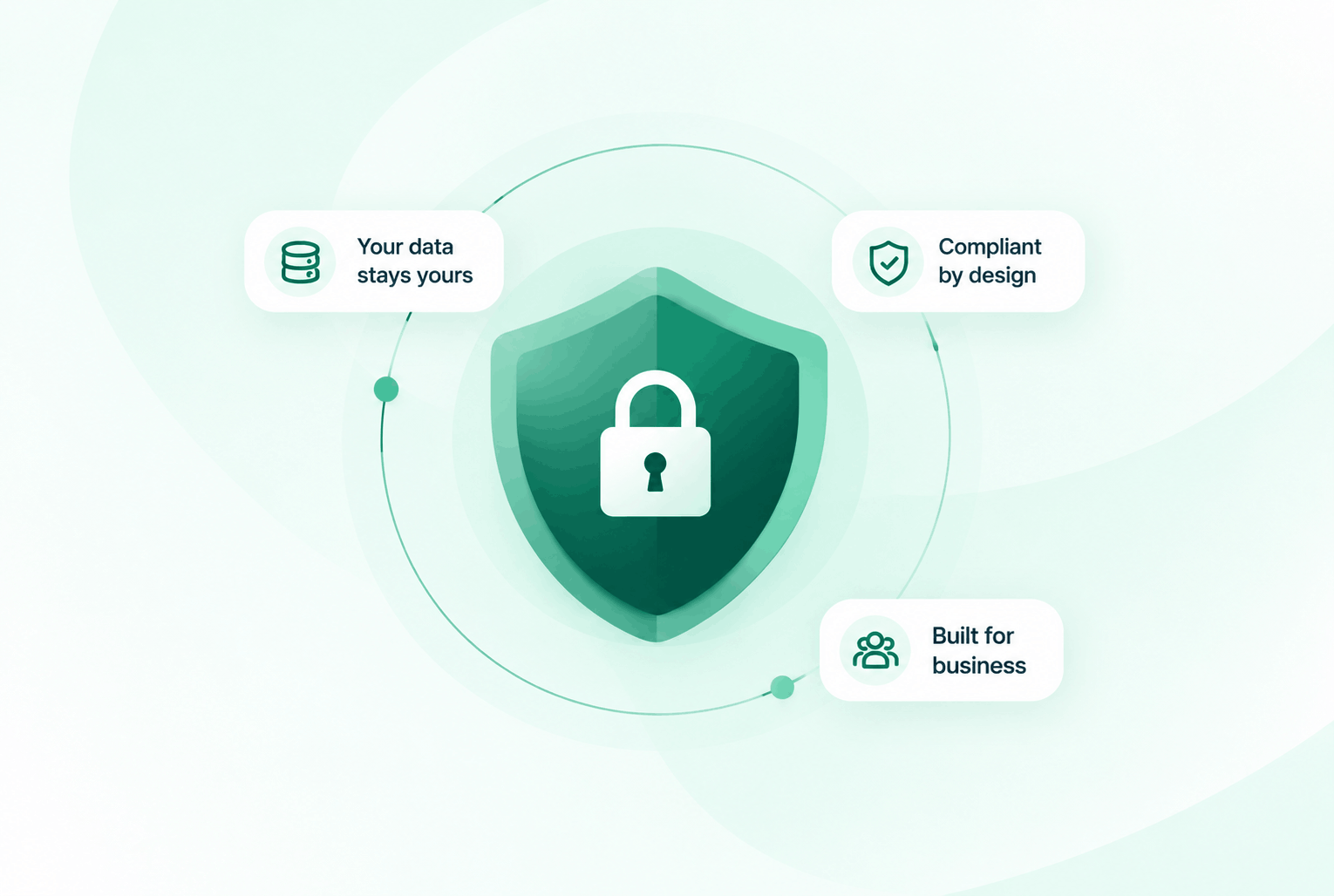
Security & compliance
Enterprise-ready privacy, without the enterprise friction
Encryption in transit and at rest, plus GDPR and HIPAA-ready controls for teams that handle sensitive conversations.


Common questions
Everything you need to know before getting started.
How many levels deep can my IVR go?
DialNext IVR menus support unlimited nesting depth. You can create sub-menus within sub-menus to handle complex routing requirements.
Can I set different routing rules for weekends and holidays?
Yes. Business hours are configured per number with day-of-week and time-of-day granularity. Holiday rules can be set in advance and apply automatically.
What distribution methods are available for ring groups?
DialNext supports ring-all (all agents ring simultaneously), round-robin (rotate through agents evenly), and sequential (try agents in priority order).
Can I upload a custom greeting audio file?
Yes. You can upload any MP3 audio file as your IVR greeting. Different greetings can be set for each menu level and each phone number.
Ready to route every caller perfectly?
Join teams using DialNext to build IVR menus that get every caller to the right person fast, without transfers, without hold time, without frustration.