Fill Roles Faster with Smarter Candidate Calls.
Keep candidates engaged, route calls to the right recruiter, and maintain a full history of every interaction from first screen to offer.
No credit card required · 14-day free trial

Outgoing Call...
Alex Rivera
Senior Engineer · Candidate
Recording enabled via DialNext
80%
Less Admin Time
70+
Countries Covered
99.9%
Uptime SLA
Every tool your recruitment team needs
to place faster
Purpose-built for teams that run on calls, need clean candidate records, and cannot afford to miss a response.
Smart Call Routing
Route candidate calls directly to the right recruiter using IVR menus and ring groups. No more missed calls or wrong transfers.
Interview Recording
Record phone screens and interviews automatically. Review later to compare candidates or resolve any disputes.
Candidate SMS
Text candidates to confirm interviews, share next steps, and follow up quickly. Reach them where they actually respond.
Candidate Tags
Tag every call with a candidate status: screened, advancing, on hold, not a fit. Keep your pipeline clean and up to date.
Business Hours Configuration
Set availability per recruiter or team. Calls outside working hours go to voicemail with a professional message.
Recruiter Analytics
Track call volume, response times, and pipeline activity per recruiter. Spot bottlenecks before they delay placements.
Recruitment teams trust DialNext.
99
"Candidates reply to texts far more than calls. We moved interview confirmations to SMS and no-shows dropped dramatically."
Diane Foster
Talent Acquisition Lead, Stride Staffing
"Recording phone screens let our team stop taking notes during calls and just focus on the candidate. We debrief by reviewing the recording together."
Raj Mehta
Recruiting Manager, Velotech
"The routing setup took one afternoon. Every candidate now reaches a live person instead of dropping out after hitting voicemail."
Tanya Brooks
Head of People, Cascade Group
Keep every conversation in your CRM
Calls, SMS, and notes land in HubSpot, Salesforce, Pipedrive, and the rest of your stack automatically, so reps never re-enter the same update twice.
 HubSpot
 Salesforce
 Pipedrive
 Front
Front Zendesk
 ActiveCampaign
 Monday.com
 Gorgias
 Bullhorn
 HappyFox
 Attio
Attio Jobber
Building on more connectors so DialNext fits the stack you already run.
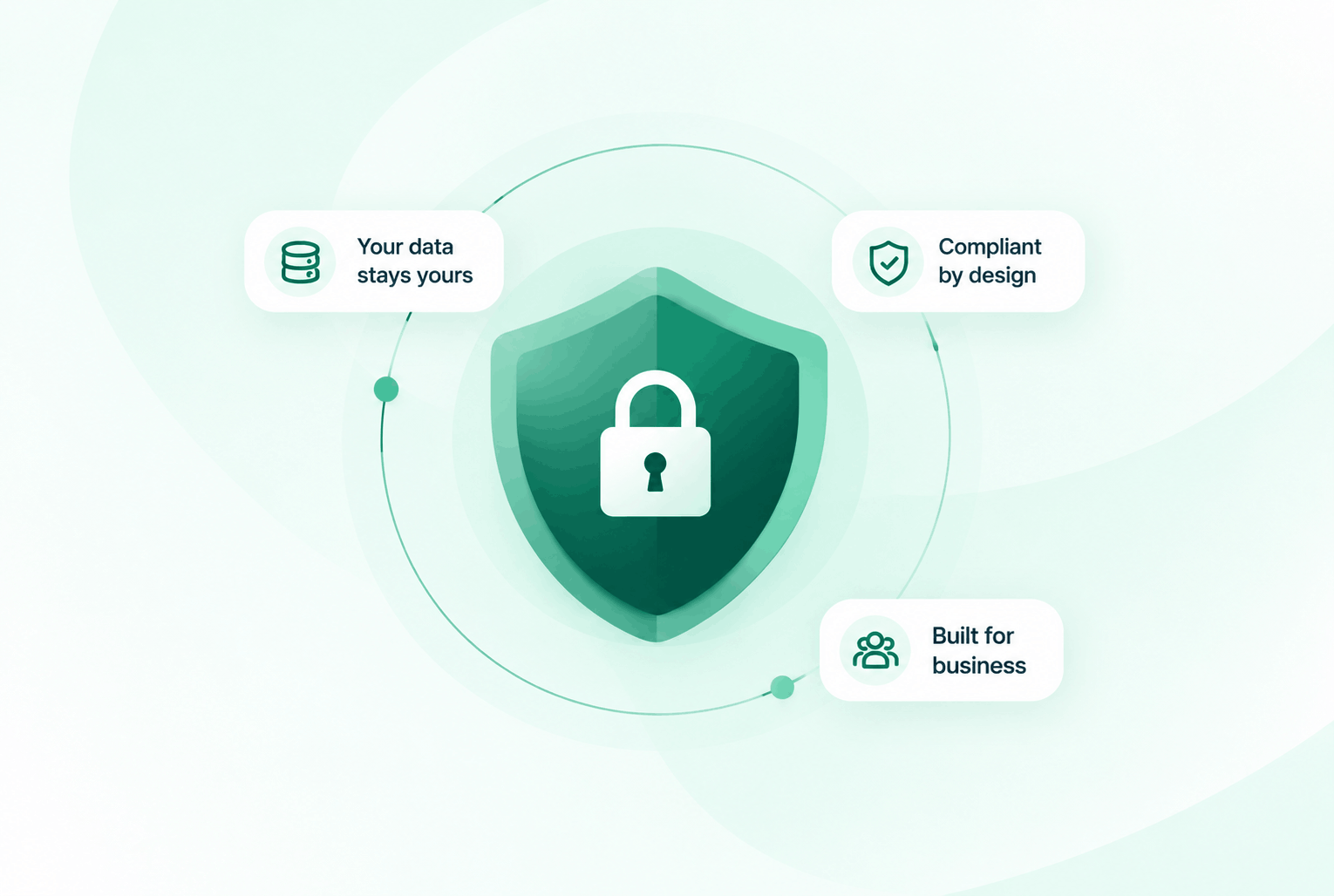
Security & compliance
Enterprise-ready privacy, without the enterprise friction
Encryption in transit and at rest, plus GDPR and HIPAA-ready controls for teams that handle sensitive conversations.


Common questions
Everything you need to know before getting started.
Can we route candidates to different recruiters based on the role they are applying for?
Yes. DialNext IVR menus can be configured to route callers to different ring groups or individuals based on their selection.
Are phone screen recordings stored securely?
Yes. All recordings are encrypted and stored in the cloud. You can access, replay, or download them any time from the call log.
Can we text candidates from our business number?
Yes. Every DialNext number supports both calls and two-way SMS, so candidates always see a consistent business number.
Does DialNext integrate with our ATS or CRM?
DialNext integrates with HubSpot, Salesforce, Pipedrive, Zoho, and 100+ tools. For other systems, Zapier can connect DialNext to most ATS platforms.
Ready to hire faster?
Join recruitment teams using DialNext to reach candidates faster, keep every interaction on record, and fill roles without the admin chaos.