Missed Calls Are Empty Chairs. Fill Them.
Keep your schedule full by capturing every patient inquiry, reducing no-shows with SMS reminders, and routing calls to the right desk every time.
No credit card required · 14-day free trial
Patient: Emma Rodriguez
+1 (480) 555-0144
IVR Menu
Ring Group: Front Desk
34
Calls Today
9s
Avg Answer
2
Missed
80%
Less Admin Time
70+
Countries Covered
99.9%
Uptime SLA
Every tool your practice needs to run the phones.
Built for dental teams that can't afford to miss a patient call.
Patient Call Routing
Route inbound calls to the front desk, billing, or hygienist line using IVR menus and ring groups. No patient gets bounced around.
Appointment Reminders via SMS
Send text reminders before appointments and follow-up messages after visits. Reduce no-shows without picking up the phone.
Call Recording
Record every patient call automatically. Replay calls to verify instructions, resolve disputes, and maintain clear documentation.
Business Hours & After-Hours
Configure office hours per number. After-hours calls go to a professional voicemail or emergency line automatically.
Call Tags & Notes
Tag every call with an outcome: appointment booked, inquiry, callback needed. Keep your front desk log clean and accurate.
Practice Analytics
Track call volume, missed calls, and busiest hours. Staff your front desk based on when patients actually call.
Every patient reaches the right person, fast.
Stop letting patients get bounced between lines or sent to a generic voicemail. DialNext routes every inbound call to the right staff member automatically, from the first ring.
IVR menus for scheduling, billing, and clinical lines
Ring groups so the first available staff member picks up
After-hours routing to voicemail with a professional greeting
Multi-location support with separate numbers per office
Patient: Emma Rodriguez
+1 (480) 555-0144
IVR Menu
Ring Group: Front Desk
34
Calls Today
9s
Avg Answer
2
Missed
SMS Reminders
2 active threads
To: Emma Rodriguez
DeliveredTo: James Park
Follow-up scheduled12
Sent Today
9
Confirmed
1
No-Shows
A text reminder is cheaper than an empty chair.
Most no-shows happen because patients simply forgot. A simple SMS the day before is enough to fill your chair and keep your schedule on track.
Send appointment reminders 24-48 hours in advance
Patients can confirm or request reschedule via reply
Follow-up texts after visits to check in
All SMS history stored alongside call records
Dental practices trust DialNext.
Real results from real practices.
"Since we set up routing, our front desk misses almost no calls during busy periods. Someone always picks up now."
Sandra Kim
Practice Administrator, SmileCare DSO
"SMS reminders cut our no-show rate significantly. Patients just need a nudge the day before and they show up."
Joshua Wilson
Dental Practitioner, Wilson Family Dental
"Pulling up a call recording takes seconds. We use it constantly for billing disputes and it removes all the guesswork."
Robert Obi
Practice Manager, NovaDental
Keep every conversation in your CRM
Calls, SMS, and notes land in HubSpot, Salesforce, Pipedrive, and the rest of your stack automatically, so reps never re-enter the same update twice.
 HubSpot
 Salesforce
 Pipedrive
 Front
Front Zendesk
 ActiveCampaign
 Monday.com
 Gorgias
 Bullhorn
 HappyFox
 Attio
Attio Jobber
Building on more connectors so DialNext fits the stack you already run.
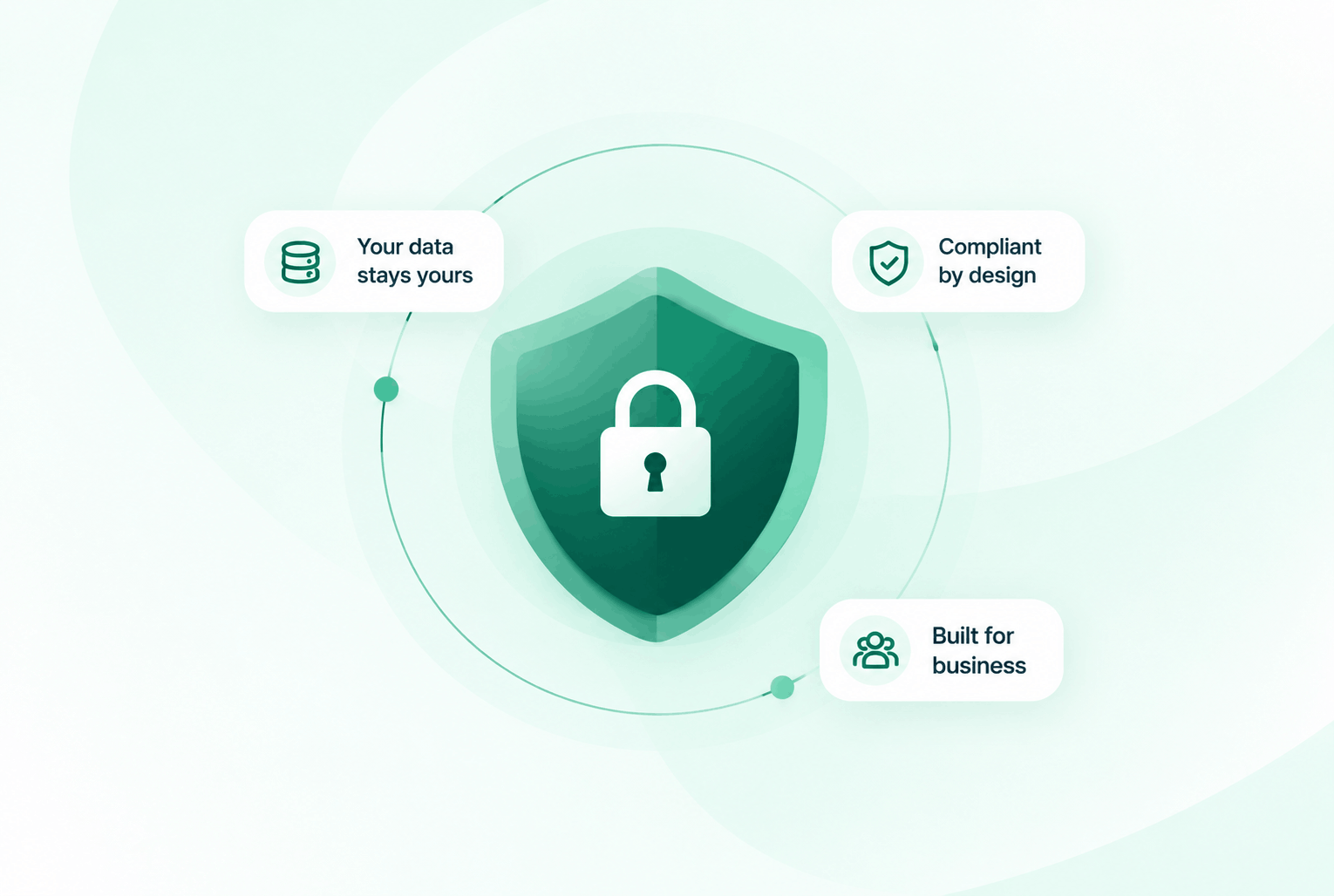
Security & compliance
Enterprise-ready privacy, without the enterprise friction
Encryption in transit and at rest, plus GDPR and HIPAA-ready controls for teams that handle sensitive conversations.


Common questions
Everything you need to know before getting started.
Can we set different routing rules per office location?
Yes. Each DialNext number has its own routing configuration. You can set separate IVR menus, ring groups, and business hours for each practice location.
How do SMS reminders work?
You send SMS messages from your DialNext number to patients on your contact list. Replies come back to the same number so your team can respond from one inbox.
Are call recordings stored securely?
Yes. All recordings are encrypted and stored in the cloud with no expiry. You can access and download them any time from your call log.
Does DialNext work with dental practice management software?
DialNext integrates with HubSpot, Salesforce, Zoho, and 100+ tools. For practice-specific software, our Zapier integration connects to most platforms.
Ready to stop losing patients
to missed calls?
Join dental practices using DialNext to route every call, reduce no-shows with SMS, and keep their schedule full.