Every Call Captured. Nothing Left to Memory.
Record every inbound and outbound call automatically. Use recordings for QA, compliance, coaching, and resolving disputes, without any manual effort.
No credit card required · 14-day free trial
James Whitfield
Outbound · 4:32 · Demo discussed
Rachel Torres
Inbound · 7:14 · Pricing query
David Kim
Outbound · 2:08 · Voicemail left
Aisha Brown
Inbound · 11:43 · Complaint resolved
341
Total This Week
341
Recorded
4:18
Avg Duration
100%
Calls Recorded
70+
Countries Covered
99.9%
Uptime SLA
Everything you need to capture and use every call.
Built for teams that need a complete record of every conversation, with zero manual effort.
Automatic Recording
Every call recorded the moment it connects, inbound and outbound. No button to press, no setting to remember per call.
Instant Playback
Access any recording from your call log instantly. Search by contact, agent, date, or tag to find exactly what you need.
Recording Tags & Notes
Tag recordings with call outcomes and add notes while you listen. Build a searchable library of your most important calls.
Secure Cloud Storage
All recordings encrypted in transit and at rest. Role-based access controls determine who can listen to which recordings.
CRM Sync
Recordings sync to the matching contact record in HubSpot, Salesforce, Pipedrive, and more automatically after every call.
Recording Analytics
See total calls recorded, recording volume by agent, and filter by tags. Use data to guide your QA process.
Record everything. Review what matters.
Stop relying on memory or manual effort. DialNext records every call the moment it connects and keeps recordings searchable, downloadable, and ready for review at any time.
Every inbound and outbound call recorded without any manual action
Recordings available in your call log immediately after the call ends
Filter by agent, direction, duration, date, or tag
Download any recording as an audio file in one click
James Whitfield
Outbound · 4:32 · Demo discussed
Rachel Torres
Inbound · 7:14 · Pricing query
David Kim
Outbound · 2:08 · Voicemail left
Aisha Brown
Inbound · 11:43 · Complaint resolved
341
Total This Week
341
Recorded
4:18
Avg Duration
Call Review
James Whitfield · Outbound · 4:32 · May 21
Tags
Notes
1:47 - Good objection handling here.
3:20 - Should have confirmed next steps.
Turn every recording into a training opportunity.
Every call is a coaching moment. Tag recordings with outcome codes, add timestamped notes while reviewing, and share specific calls with your team so continuous improvement becomes part of the workflow.
Tag recordings with outcome codes to build a coaching library
Add timestamped notes while reviewing a call
Share specific recordings with team members for review
Use recordings to onboard new reps with real call examples
Teams rely on DialNext recordings every day.
Real results from teams that never miss a word.
"Pulling up a recording in seconds during a complaint call completely changed how we handle disputes. The audio is the record."
Holly Kim
Head of CX, TrueRoute Logistics
"We use recordings to onboard new reps. Instead of role plays, we play them real calls and debrief. It cut our ramp time significantly."
Warren Lentz
CEO, Yellowstone Local
"Having every call recorded for compliance gives our leadership peace of mind. We know exactly what was said on every client call."
Philip Dawson
Compliance Manager, Atlas Financial
Keep every conversation in your CRM
Calls, SMS, and notes land in HubSpot, Salesforce, Pipedrive, and the rest of your stack automatically, so reps never re-enter the same update twice.
 HubSpot
 Salesforce
 Pipedrive
 Front
Front Zendesk
 ActiveCampaign
 Monday.com
 Gorgias
 Bullhorn
 HappyFox
 Attio
Attio Jobber
Building on more connectors so DialNext fits the stack you already run.
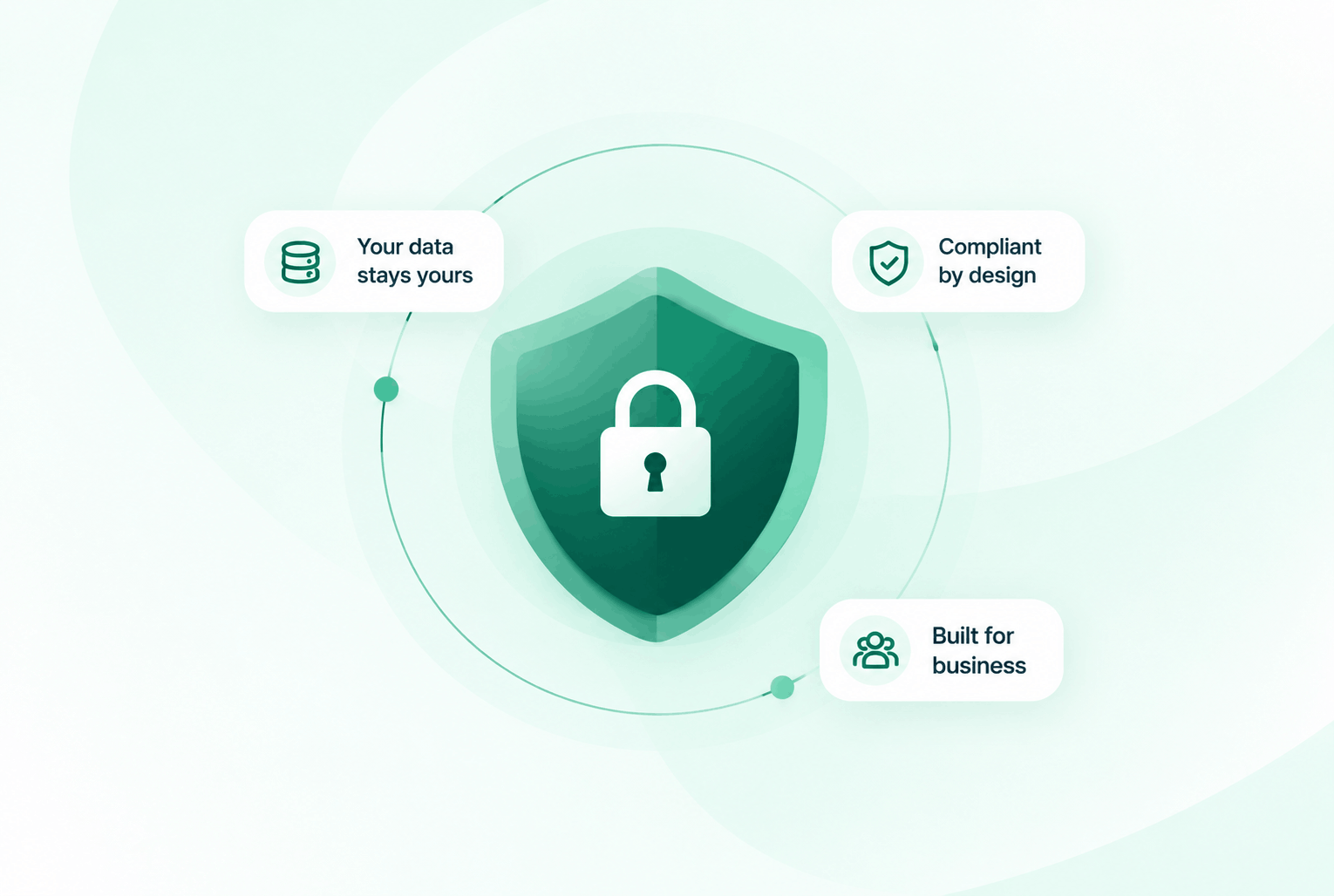
Security & compliance
Enterprise-ready privacy, without the enterprise friction
Encryption in transit and at rest, plus GDPR and HIPAA-ready controls for teams that handle sensitive conversations.


Common questions
Everything you need to know before getting started.
Are all calls recorded automatically or do agents have to start recording?
All calls are recorded automatically the moment they connect. No manual action required from agents.
How long are recordings stored?
Recordings are stored in the cloud with no expiry. You can access, replay, or download any recording from your call log at any time.
Who can access call recordings?
Access is controlled by role-based permissions. Admins can configure which roles can listen to, download, or share recordings.
Do recordings sync to our CRM?
Yes. Recordings sync automatically to the matching contact or deal record in HubSpot, Salesforce, Pipedrive, Zoho, and other supported CRMs.
Ready to capture every conversation?
Join teams using DialNext to record every call automatically, review what matters, and never lose an important conversation again.