Every Customer Call Handled. Every Time.
Route shoppers to the right department, send order updates and follow-ups via SMS, and give your retail team a complete view of every customer interaction.
No credit card required · 14-day free trial
Customer: Maria Gonzalez
+1 (213) 555-0144
IVR Menu
Ring Group: Orders Team
93
Calls Today
10s
Avg Answer
78
Resolved
80%
Less Admin Time
70+
Countries Covered
99.9%
Uptime SLA
Every tool your retail team needs to own the phones.
Built for retail businesses that can't afford to leave a customer on hold or send them to the wrong team.
Department Call Routing
Route shoppers to customer service, orders, returns, or any department using IVR menus and ring groups. No transfer merry-go-rounds.
Order & Service SMS
Send order confirmations, shipping updates, and follow-up messages via text. Customers read texts faster than any other channel.
Call Recording
Record every customer service call. Replay interactions to resolve disputes, verify orders, and train your service team.
Call Tags & Notes
Tag every call with an outcome: order resolved, return processed, complaint escalated. Keep a clean log your whole team can access.
Store Hours & Overflow
Configure operating hours per store or line. After-hours calls route to voicemail or a self-service message automatically.
Retail Analytics
Track call volume, peak shopping hours, and resolution rates. Staff your service team when customers actually need you.
Get every shopper to the right team, first time.
Stop making customers repeat themselves to three different people. DialNext routes every inbound call to the right department automatically, from the first ring.
IVR menus route by department: orders, returns, product support, store info
Ring groups distribute load so no call waits too long
Separate numbers per store location or product line
Call recordings capture every customer issue and its resolution
Customer: Maria Gonzalez
+1 (213) 555-0144
IVR Menu
Ring Group: Orders Team
93
Calls Today
10s
Avg Answer
78
Resolved
Customer Communication
3 active threads
To: Maria Gonzalez
DeliveredTo: James Park
RepliedTo: Priya Nair
Follow-up67
Messages Sent
51
Read
38
Replied
Keep customers informed without picking up the phone.
Most customer service calls are just status checks. Send proactive order and shipping updates via SMS and your inbound call volume drops before the issue even forms.
Send order confirmation and shipping update texts automatically
Follow up after returns to check if the issue was resolved
Re-engage customers after a purchase with a simple check-in
All SMS history linked to each customer's call record
Retail businesses trust DialNext.
Real results from real retail teams.
"We set up IVR routing for orders, returns, and product support. Customers reach the right person without getting transferred three times."
Sofia Reyes
Director of CX, Harbour & Co.
"Order update texts reduced inbound calls about shipping significantly. Customers just want to know their order is on its way."
Brandon Lee
Head of Operations, TrendSet Retail
"Having every service call recorded means disputes are resolved in minutes, not days. We just pull up the audio."
Niamh Carroll
CEO, Kindred Commerce
Keep every conversation in your CRM
Calls, SMS, and notes land in HubSpot, Salesforce, Pipedrive, and the rest of your stack automatically, so reps never re-enter the same update twice.
 HubSpot
 Salesforce
 Pipedrive
 Front
Front Zendesk
 ActiveCampaign
 Monday.com
 Gorgias
 Bullhorn
 HappyFox
 Attio
Attio Jobber
Building on more connectors so DialNext fits the stack you already run.
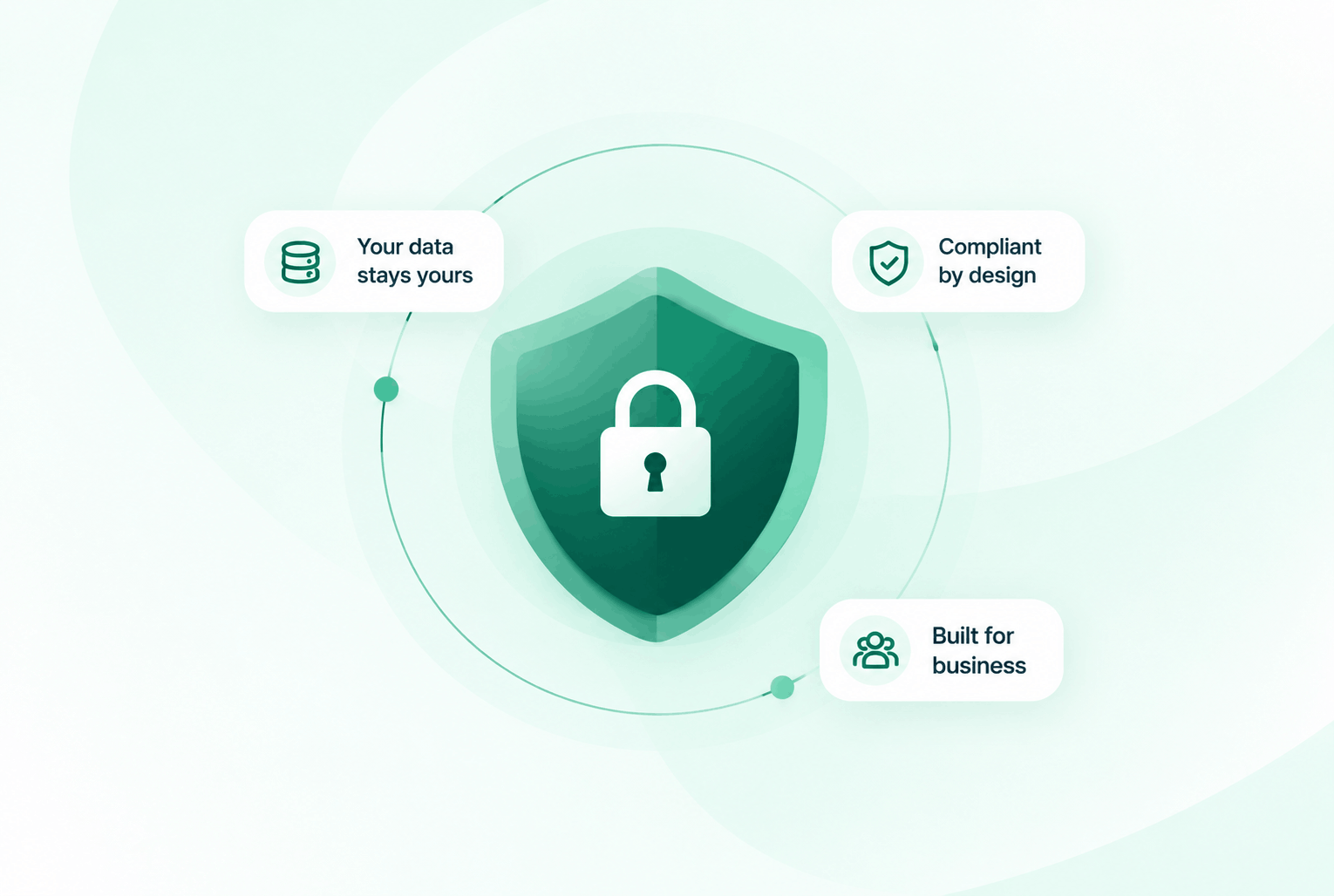
Security & compliance
Enterprise-ready privacy, without the enterprise friction
Encryption in transit and at rest, plus GDPR and HIPAA-ready controls for teams that handle sensitive conversations.


Common questions
Everything you need to know before getting started.
Can we set up different routing for different store locations?
Yes. Each DialNext number has independent routing configuration. You can give every store its own number, IVR menu, and team ring group.
Can we send order updates to customers via SMS?
Yes. DialNext supports outbound SMS to your contact lists. Send order confirmations, shipping updates, and follow-ups from the same number customers call.
How do we handle customer calls outside store hours?
Outside your configured hours, calls route to voicemail or a custom message. You can include store hours and online ordering information in your after-hours greeting.
Does DialNext integrate with our e-commerce or retail tools?
DialNext integrates with HubSpot, Salesforce, Zoho, and 100+ platforms. Zapier connects DialNext to most e-commerce and retail management systems.
Ready to deliver better customer experiences
at every store?
Join retail businesses using DialNext to route every call, keep customers updated via SMS, and resolve issues before they become complaints.