How to integrate DialNext with Attio?
Integrate DialNext with Attio in a few simple steps.
How to integrate DialNext with Attio
- Log in or sign up to your DialNext account.
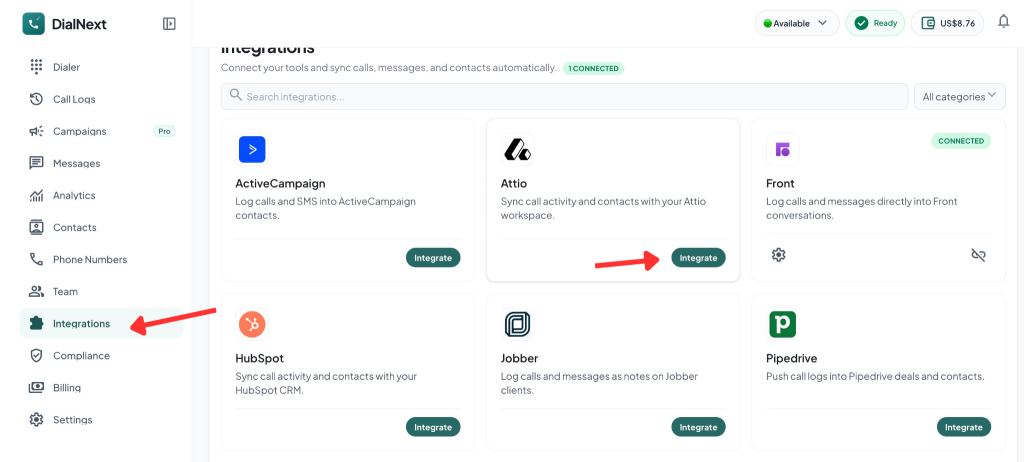
- In the left sidebar, click Integrations.
- Find Attio in the integrations list and click Integrate.
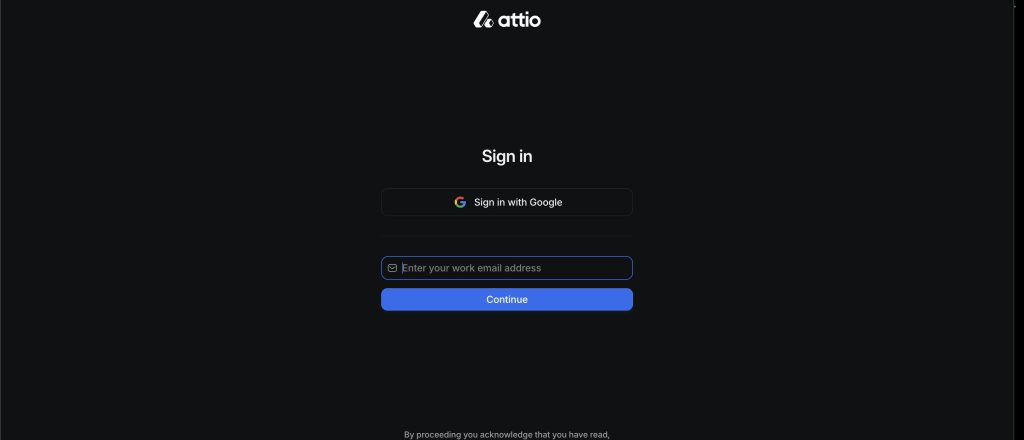
4. Sign in to your Attio account using your work email or Google.
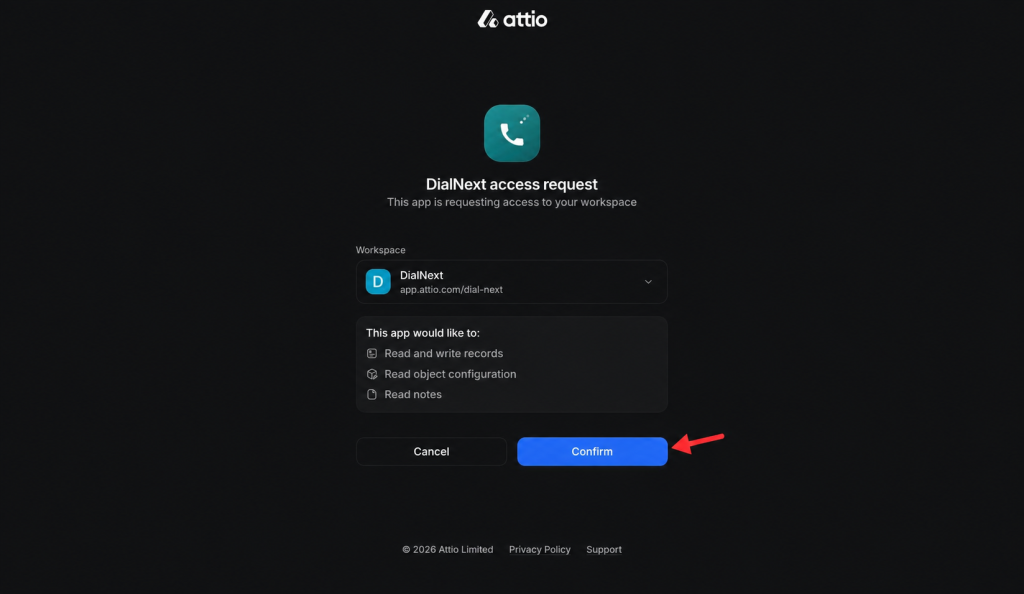
5. Select your DialNext workspace and click Confirm to Authorize the connection.
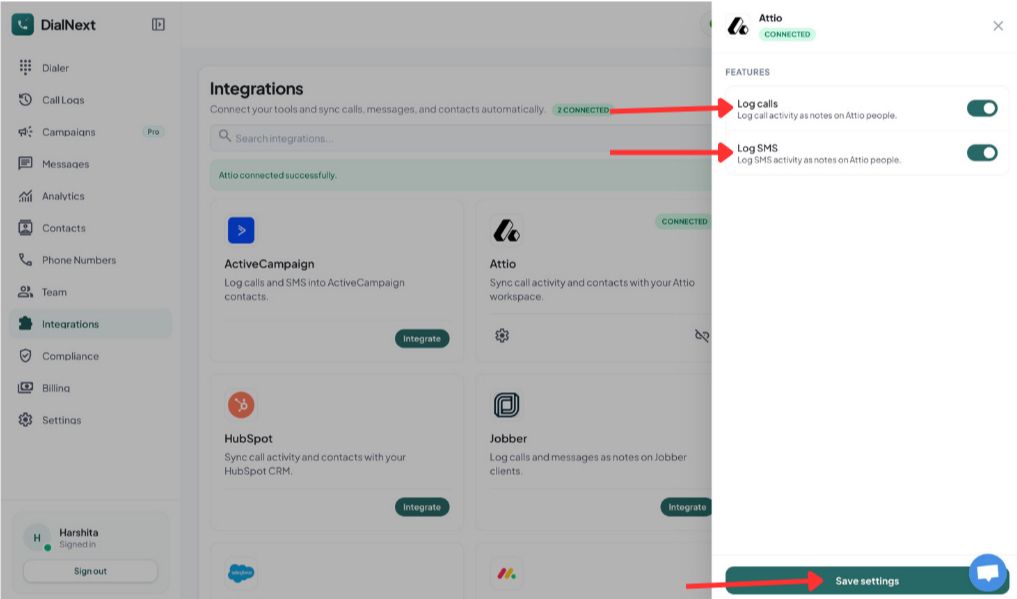
6.Choose the features you want to enable, then click Save settings.
7. Make a test call or send an SMS from DialNext to verify that the activity is logged in Attio.
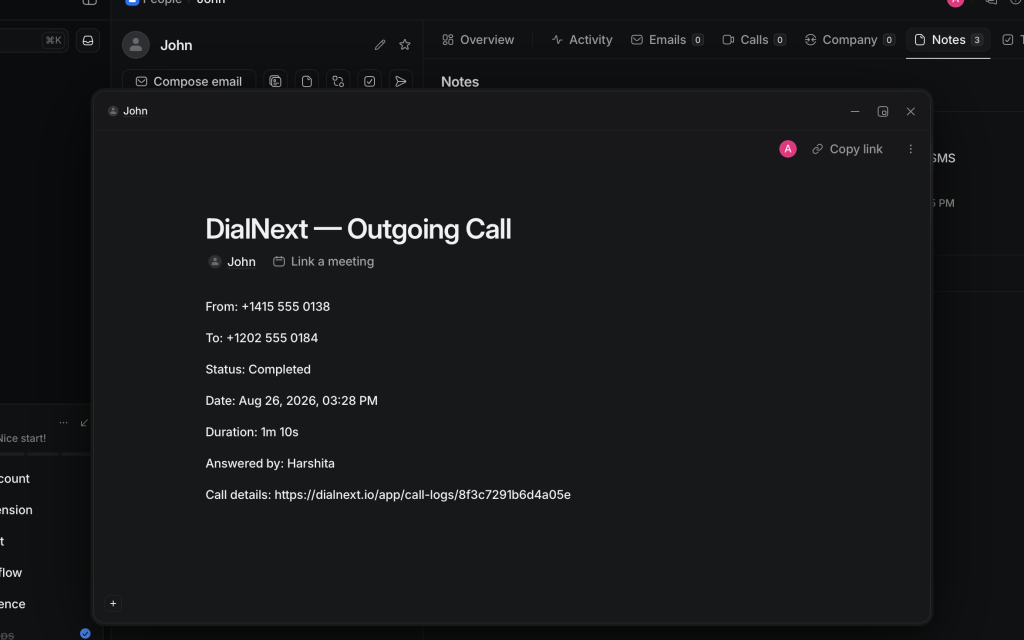
Your DialNext account is now successfully connected to Attio.
If you encounter any issues, you can reach us at help@dialnext.io.