One Phone System for Every Team, Every Call.
Give every team the numbers, routing, recording, and analytics they need to communicate professionally, from one simple platform.
No credit card required · 14-day free trial
Workspace Overview
Sales Team
6 agents · 4 numbers · 143 calls today
Support Team
4 agents · 2 numbers · 87 calls today
Operations
2 agents · 1 numbers · 22 calls today
252
Total Calls Today
7
Active Numbers
4
Countries
80%
Less Admin Time
70+
Countries Covered
99.9%
Uptime SLA
Everything every team needs to communicate.
One platform for calls, SMS, recording, and reporting. No hardware, no complexity.
Smart Call Routing
Route inbound calls using multi-level IVR menus, ring groups, and time-based rules. Every caller reaches the right person without a transfer.
Calls and SMS Together
Make calls and send texts from the same business number. Keep every customer conversation in one place regardless of channel.
Call Recording
Record every call automatically and store it securely in the cloud. Review any interaction for training, compliance, or dispute resolution.
CRM Integration
Sync every call, SMS, note, and tag to HubSpot, Salesforce, Pipedrive, and 100+ tools automatically. No manual data entry.
Team & Role Management
Add users, assign roles, and configure permissions from one dashboard. No hardware, no IT tickets, no on-site setup.
Analytics & Reporting
Track call volume, response times, and team performance across every number and department. Export reports in one click.
Every team. Every call. One platform.
Stop managing phone systems for each department separately. DialNext lets you provision numbers, configure routing, and report on every team from a single dashboard with no hardware or IT support needed.
Provision numbers in 70+ countries instantly
Configure IVR, ring groups, and business hours with no IT help
Record every call automatically with cloud storage
CRM sync so every interaction is logged without manual entry
Workspace Overview
Sales Team
6 agents · 4 numbers · 143 calls today
Support Team
4 agents · 2 numbers · 87 calls today
Operations
2 agents · 1 numbers · 22 calls today
252
Total Calls Today
7
Active Numbers
4
Countries
CRM Sync
James Whitfield
Apex Corp
Auto-synced Activity
Outbound call
4:32
SMS sent
Follow-up link
Inbound call
2:18
SMS received
Confirmed for Thursday
Last synced: just now
Every call logged. Zero manual effort.
Your team should never waste time logging calls manually. DialNext syncs every call, SMS thread, note, and tag to your CRM automatically after every interaction so every contact record stays accurate without any extra work.
Automatic call logging to HubSpot, Salesforce, Pipedrive, and more
SMS threads synced to the contact record alongside calls
Notes and tags posted to CRM after every call
100+ native integrations and Zapier for everything else
Teams across every industry use DialNext.
Real results from real businesses.
"Sales, support, and ops all run on DialNext now. One dashboard, one bill, one login. It genuinely simplified our whole communication stack."
Travis Okafor
COO, Bridge Financial Group
"CRM sync was the real win. Reps stopped copy-pasting call notes and every record is updated automatically now."
Helen Wu
Operations Director, Luminary Tech
"We were live with numbers, IVR, and routing by the end of the day we signed up. No hardware, no IT contractor needed."
Derek Santos
IT Manager, GreenPath Services
Keep every conversation in your CRM
Calls, SMS, and notes land in HubSpot, Salesforce, Pipedrive, and the rest of your stack automatically, so reps never re-enter the same update twice.
 HubSpot
 Salesforce
 Pipedrive
 Front
Front Zendesk
 ActiveCampaign
 Monday.com
 Gorgias
 Bullhorn
 HappyFox
 Attio
Attio Jobber
Building on more connectors so DialNext fits the stack you already run.
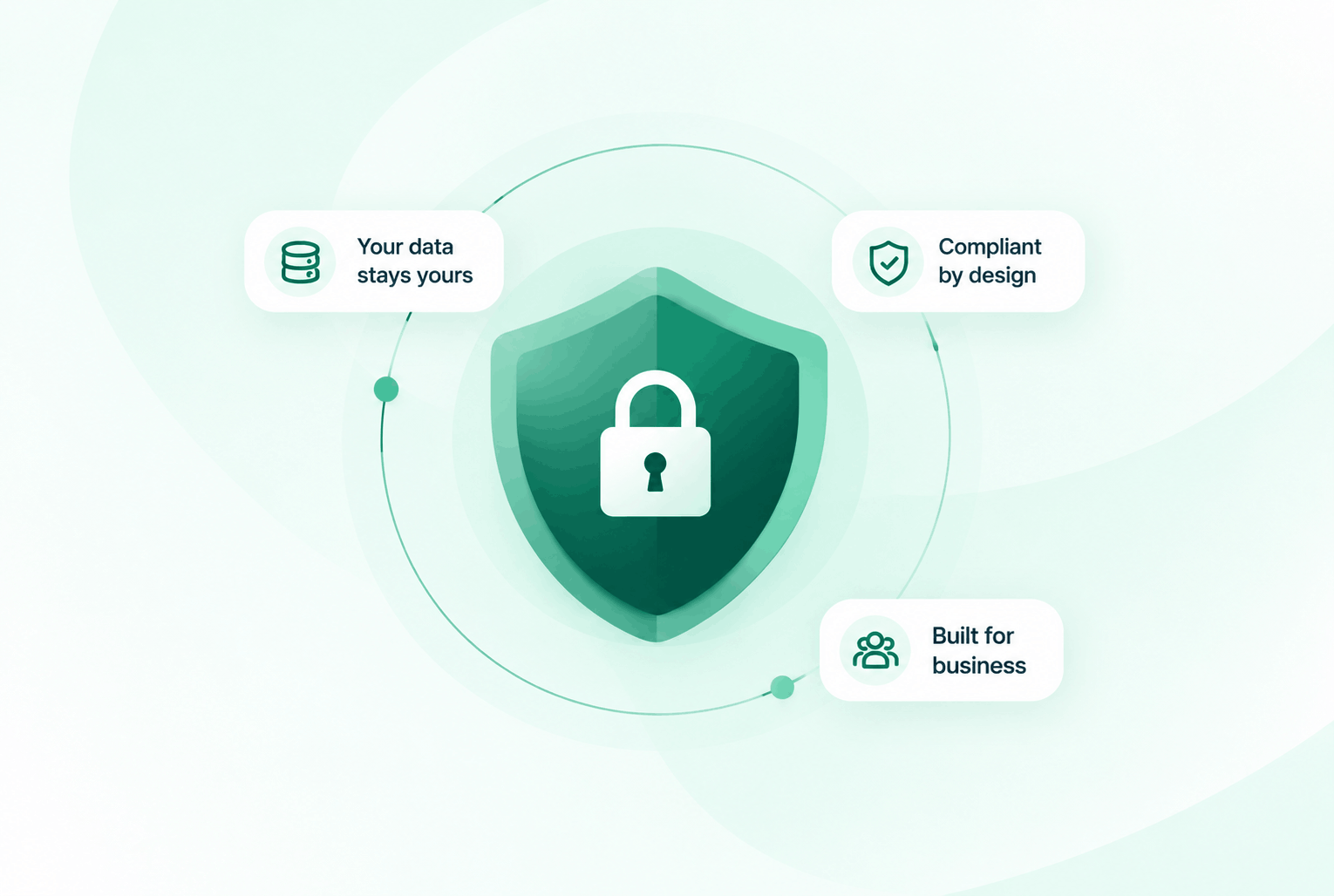
Security & compliance
Enterprise-ready privacy, without the enterprise friction
Encryption in transit and at rest, plus GDPR and HIPAA-ready controls for teams that handle sensitive conversations.


Common questions
Everything you need to know before getting started.
Does DialNext require any hardware?
No. DialNext is entirely browser and app-based. Your team makes and receives calls from any device with an internet connection. No desk phones or physical setup needed.
Can different teams have their own numbers and routing rules?
Yes. Each number in DialNext has its own independent IVR menu, ring group, and business hours configuration. You manage everything from one central dashboard.
How does the CRM sync work?
DialNext integrates natively with HubSpot, Salesforce, Pipedrive, Zoho, and 100+ tools. Every call, SMS, note, and tag syncs to the matching contact record automatically after each interaction.
Can I port my existing business number to DialNext?
Yes. DialNext supports number porting so your existing numbers transfer without any disruption to your callers.
Ready to give every team a smarter phone system?
Join thousands of teams using DialNext to call, text, record, and report from one platform built for the way modern businesses work.