Every Inbound Call Distributed. No Rep Left Idle.
Distribute inbound calls across your team fairly and efficiently using ring groups, round-robin, and priority rules. Keep every agent busy and every caller answered.
No credit card required · 14-day free trial
Sales Team
Round Robin · 5 agents
Ringing: A · Next: B. Park
47
Today
41
Answered
6
Missed
Support Team
Ring All · 3 agents
31
Today
28
Answered
3
Missed
80%
Fewer Missed Calls
70+
Countries Covered
99.9%
Uptime SLA
Every tool your team needs to answer every call.
Built for teams that need every inbound call to reach a live agent every time.
Ring Groups
Group agents together and ring them as a team. Distribute calls evenly so no one agent is overwhelmed and no caller waits too long.
Round-Robin Distribution
Rotate inbound calls through your team in order. Every agent gets an equal share of calls and idle time is minimised across the board.
Priority and Sequential Ringing
Ring agents in a set order: try the primary agent first, then the backup, then the team. Set priority rules that match your team structure.
IVR Pre-Routing
Use an IVR menu to let callers self-select before entering a ring group. The right group gets the right calls before distribution begins.
Availability and Hours Rules
Distribution rules adapt to business hours automatically. After-hours calls route to an on-call group or voicemail without manual switching.
Distribution Analytics
Track call volume per agent, ring group answer rates, and missed call breakdowns. Adjust your distribution rules based on real data.
Every caller reaches someone. Every time.
Ring groups ensure every inbound call has a team ready to answer it. Configure the distribution method, set a fallback rule, and DialNext handles the rest automatically.
Create unlimited ring groups per number or department
Choose ring-all, round-robin, or sequential for each group
Fallback rules kick in if no agent answers within your set time
Separate ring groups for different teams, regions, or time zones
Sales Team
Round Robin · 5 agents
Ringing: A · Next: B. Park
47
Today
41
Answered
6
Missed
Support Team
Ring All · 3 agents
31
Today
28
Answered
3
Missed
Distribution Report
Sales Team · 143 calls, 131 answered
Support Team · 87 calls, 79 answered
Billing · 34 calls, 28 answered
Sales Team · Per Agent
A. Rivera
31 callsB. Park
29 callsC. Torres
28 callsD. Kim
27 callsE. Amara
28 callsSee which groups are carrying the load.
Distribution reports show you exactly where calls are going, who is handling them, and where the gaps are so you can fix staffing before callers notice.
Per-group call volume, answer rate, and missed call count
Per-agent breakdown within each ring group
Identify which agents are overloaded and which are underutilised
Adjust group membership or distribution method based on the data
Teams that never miss a call.
Real results from teams using DialNext call distribution every day.
"Round-robin distribution stopped our top reps from getting all the calls while others sat idle. The workload is balanced now and morale improved."
Carla Dominguez
Sales Manager, ProCore Energy
"We set up a ring group for after-hours with our two on-call reps. Urgent calls never go to voicemail anymore."
Steven Park
Operations Lead, NextWave Telecom
"The distribution analytics showed our billing group was understaffed on Fridays. One schedule change and the missed call rate dropped in half."
Ingrid Foster
Head of Support, FieldFirst Solutions
Keep every conversation in your CRM
Calls, SMS, and notes land in HubSpot, Salesforce, Pipedrive, and the rest of your stack automatically, so reps never re-enter the same update twice.
 HubSpot
 Salesforce
 Pipedrive
 Front
Front Zendesk
 ActiveCampaign
 Monday.com
 Gorgias
 Bullhorn
 HappyFox
 Attio
Attio Jobber
Building on more connectors so DialNext fits the stack you already run.
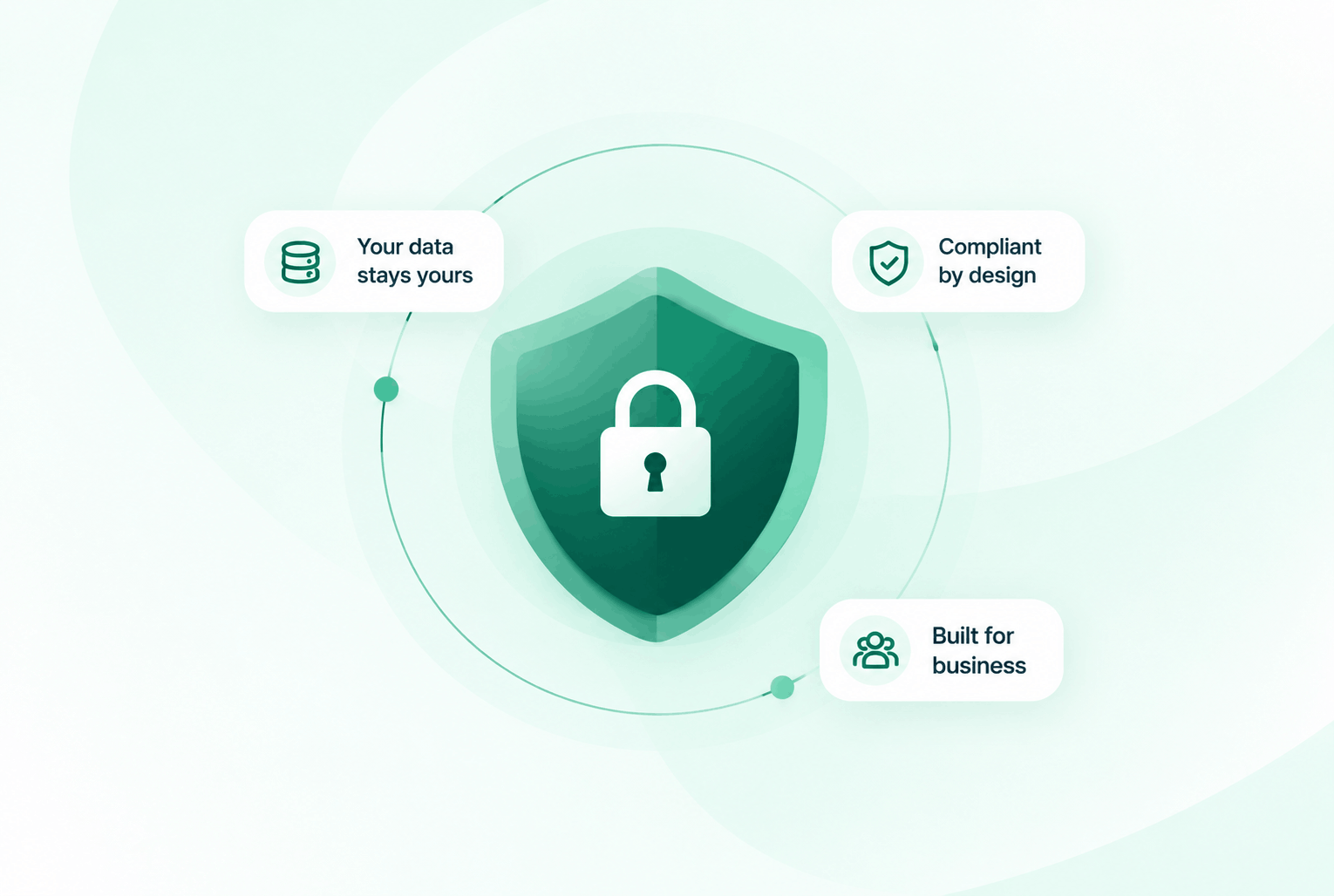
Security & compliance
Enterprise-ready privacy, without the enterprise friction
Encryption in transit and at rest, plus GDPR and HIPAA-ready controls for teams that handle sensitive conversations.


Common questions
Everything you need to know before getting started.
What distribution methods are available?
DialNext ring groups support ring-all (everyone rings at once), round-robin (rotate in order), and sequential (try agents in priority order).
Can the same agent be in multiple ring groups?
Yes. An agent can belong to multiple ring groups. DialNext handles availability so they are not double-rung simultaneously.
What happens if no one in a ring group answers?
You configure a fallback rule: try another group, forward to a backup number, or send to voicemail after a set ring duration.
Can ring groups have different rules at different times of day?
Yes. You can configure business hours per ring group or number so distribution rules change automatically outside working hours.
Ready to distribute every
call perfectly?
Join teams using DialNext to build ring groups, balance workloads, and ensure every inbound call reaches an available agent every time.