Connect Every Student to the Right Person, Every Time.
Route prospective students and current learners to the right consultant or department, follow up via SMS to improve enrollment, and keep full communication records for every contact.
No credit card required · 14-day free trial
Aisha Brown
Prospect · MBA Programme Inquiry
Marcus Lee
Undergraduate
Priya Mehta
Graduate
Tom Blake
Financial Aid
42
Inquiries Today
11
Applications Sent
6
Enrolled
80%
Less Admin Time
70+
Countries Covered
99.9%
Uptime SLA
Every tool your admissions and advising teams need.
Built for institutions that run on calls, need clean enrollment records, and cannot afford to miss a prospective student.
Smart Call Routing
Direct prospective students and current learners to admissions, financial aid, or student services using IVR menus and ring groups. Reduce transfers and wait times.
Enrollment SMS Follow-Up
Follow up with prospects by text after an inquiry or missed call. Keep the conversation going and guide them toward enrollment.
Call Recording
Record every advising and admissions call. Replay sessions to maintain accuracy, resolve misunderstandings, and train new counselors.
Business Hours & Term Routing
Configure routing rules around term schedules, office hours, and holiday closures. Calls always reach someone or get a clear message.
Inquiry Tags & Tracking
Tag every call with an enrollment stage: new inquiry, application sent, enrolled, not interested. Keep your admissions pipeline clean.
Admissions Analytics
Track call volume, peak inquiry periods, and counselor activity. Identify where students drop off and act before enrollment suffers.
Get every prospective student to the right advisor.
Stop inquiries from landing in the wrong inbox. DialNext routes every inbound call based on IVR selection, ring group availability, and time-of-day rules so every prospect reaches someone who can actually help.
IVR menus route by program type, department, or inquiry stage
Ring groups distribute inbound calls evenly across your admissions team
After-hours calls routed to voicemail with clear next-steps message
Separate numbers per program or campus for accurate attribution
Prospect: Aisha Brown
+44 (20) 5555-0177 · MBA Programme Inquiry
IVR Selection
Undergraduate Admissions
Graduate Admissions
SelectedFinancial Aid
Student Services
Ring Group: Graduate Team
K. Patel
RingingJ. Torres
On a call42
Inquiries Today
14s
Avg Answer
11
Applications Sent
Enrollment Follow-Up
SMS Threads
To: Aisha Brown
RepliedHi Aisha, thanks for your interest in our MBA programme! Your advisor will call you shortly. In the meantime, here is the application link: [link]
Thanks! Already started it.
To: Marcus Lee
AvailableHi Marcus, just a reminder: application deadline is this Friday. Need help? Reply here or call us.
Can I speak to someone today?
38
Follow-ups Sent
29
Replied
17
Applications Started
Reach prospects where they actually respond.
Emails go unread. Texts get opened. DialNext lets your admissions team follow up with prospects by SMS the moment an inquiry comes in, keeping the conversation moving toward enrollment.
Send a text the moment a prospect submits an inquiry or misses your call
Share application links and deadline reminders via SMS
Follow up with accepted students to confirm enrollment
All texts stored alongside each prospect's call history
Education teams trust DialNext.
Real outcomes from real admissions teams.
"Peak inquiry periods used to mean missed calls and lost applicants. Ring groups fixed that completely in our first week."
Simone Park
Admissions Director, Pinnacle Career Institute
"SMS follow-ups after campus visit requests converted better than any email campaign we ran by a wide margin."
Teresa Huang
Enrollment Manager, Pacific Learning Institute
"Recording changed how we train admissions counselors. Real calls are more useful than any role play we ever ran."
Julian Reyes
Director of Admissions, Westfield Academy
Keep every conversation in your CRM
Calls, SMS, and notes land in HubSpot, Salesforce, Pipedrive, and the rest of your stack automatically, so reps never re-enter the same update twice.
 HubSpot
 Salesforce
 Pipedrive
 Front
Front Zendesk
 ActiveCampaign
 Monday.com
 Gorgias
 Bullhorn
 HappyFox
 Attio
Attio Jobber
Building on more connectors so DialNext fits the stack you already run.
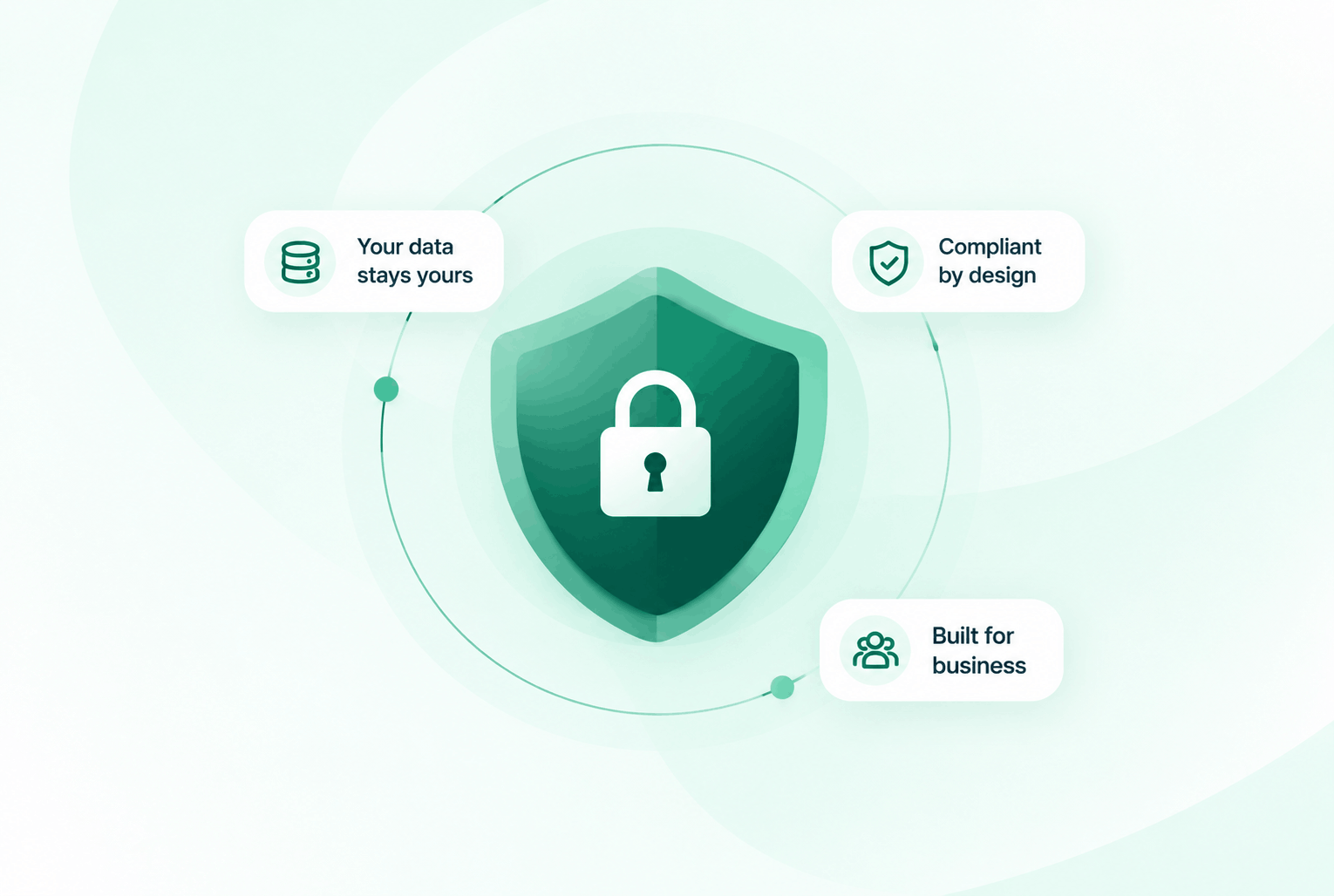
Security & compliance
Enterprise-ready privacy, without the enterprise friction
Encryption in transit and at rest, plus GDPR and HIPAA-ready controls for teams that handle sensitive conversations.


Common questions
Everything you need to know before getting started.
Can we route calls differently for different programmes or campuses?
Yes. Each DialNext number has its own IVR and ring group configuration. You can set up unique routing for every programme, department, or campus.
How do we follow up with prospects who called outside office hours?
Calls outside your configured business hours go to voicemail. You can also pull up all missed calls from your dashboard and follow up via SMS or callback the next day.
Can advisors see the full call history for a student before calling them back?
Yes. Every contact in DialNext has a full call and SMS history. Advisors can review all previous interactions before reaching out.
Does DialNext integrate with CRM or student management tools?
DialNext integrates with HubSpot, Salesforce, Zoho, and 100+ tools via native integrations and Zapier, which connects to most student management platforms.
Ready to enroll more students with smarter communication?
Join educational institutions using DialNext to route every inquiry, follow up with prospects by SMS, and keep their admissions pipeline moving.